The AI Tools I Recommend for Every Small Business
You don't need 20 tools
The AI tool landscape is overwhelming. New apps launch every week, each promising to revolutionize your workflow. Most of them won't. What you need is a short list of reliable tools that cover the use cases that actually matter for a small business.
Here's what I recommend, organized by what you're trying to do.
Writing and communication
ChatGPT and Claude are the two best general-purpose AI tools for writing. Emails, proposals, blog posts, social media captions, job descriptions, customer responses — both handle these well.
ChatGPT is the most widely used and has strong integrations across platforms. Claude tends to handle longer, more nuanced writing tasks particularly well and follows detailed instructions closely.
Pick one as your primary tool. Use the other when you want a second perspective or when one gives you a better result for a specific task. Both have free tiers that are more than enough to get started.
Images and design
Canva AI has transformed what small businesses can do with visuals. Its AI-powered features let you generate images, remove backgrounds, resize designs for different platforms, and create on-brand visuals without a designer. If you already use Canva, the AI features are baked right in.
For more advanced image generation, ChatGPT Plus includes DALL-E, which can create original images from text descriptions. Useful for social media visuals, blog headers, and marketing materials when you need something custom.
Voice and audio
ElevenLabs is the standout tool for AI voice generation. If you create video content, podcasts, training materials, or phone system greetings, ElevenLabs lets you generate natural-sounding voiceovers from text. You can clone your own voice (with permission) or choose from a library of voices.
This used to require hiring a voice actor or recording yourself in a quiet room. Now it takes minutes.
Automation and workflows
Zapier and Make (formerly Integromat) connect your existing tools and automate repetitive workflows. When a new lead fills out a form, automatically add them to your CRM, send a welcome email, and notify your sales team. When an invoice is paid, update your spreadsheet and send a receipt.
These aren't AI in the traditional sense, but they integrate with AI tools to create powerful automated workflows. Zapier is easier to get started with. Make offers more flexibility for complex automations. Both have free tiers.
Coding and technical projects
Cursor is an AI-powered code editor that helps you write, edit, and debug code using natural language. Even if you're not a developer, Cursor can help you build simple tools, modify your website, or create internal utilities.
Replit takes this further with an AI agent that can build entire applications from a description. Tell it what you want, and it generates a working prototype. Useful for internal tools, simple web apps, and MVPs.
These tools won't replace a developer for complex projects, but they make it possible for non-technical business owners to build and customize tools that would have previously required hiring someone.
The "start here" recommendation
If you're overwhelmed and don't know where to begin, here's the simplest path:
- Sign up for ChatGPT or Claude (free). Use it for writing tasks. Spend a week getting comfortable with prompts.
- Try Canva AI (free tier). Create one piece of visual content using AI features.
- Set up one Zapier automation (free tier). Connect two tools you already use and automate one repetitive step.
That's it. Three tools, all free to start, covering the three highest-impact use cases: writing, visuals, and automation. Master these before adding anything else.
What to avoid
Don't pay for single-purpose AI apps that do one narrow thing. If a tool only writes email subject lines or only generates Instagram hashtags, skip it. ChatGPT and Claude handle these tasks as part of a broader prompt.
Don't subscribe to tools you haven't tested thoroughly on the free tier. And audit your AI subscriptions every quarter — the tools evolve fast, and what you paid for six months ago might now be available for free elsewhere.
Go deeper
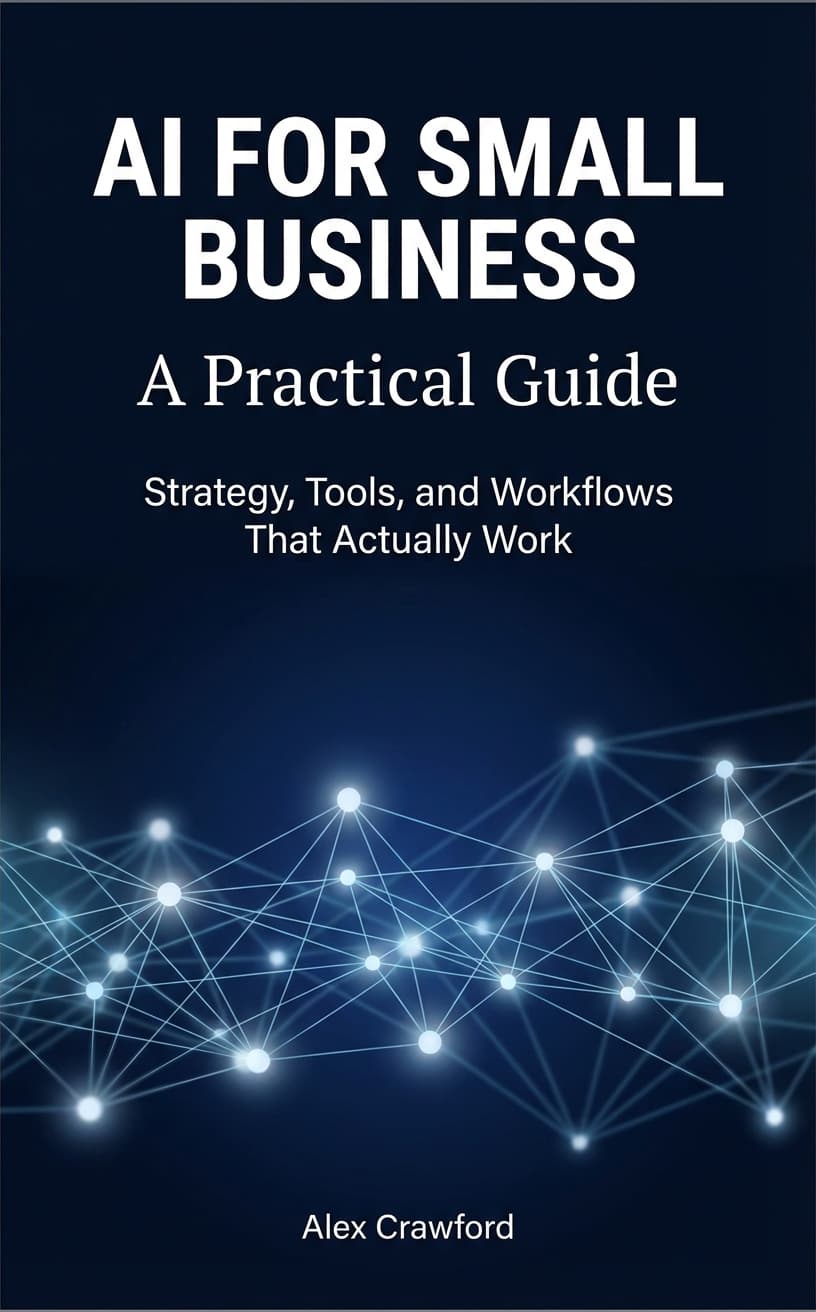
For a complete tool-by-tool breakdown — including setup guides, prompt templates for each tool, and recommendations by business type — check out AI for Small Business: A Practical Guide.