How to Create a Month of Restaurant Social Media Content in One Hour
The real reason restaurants disappear from social media
It's not that restaurant owners don't care about Instagram or Facebook. It's that at 11pm after a double, the last thing anyone wants to do is write a caption. So posts happen sporadically, then stop entirely for weeks.
The fix isn't motivation. It's batching. Create everything in one focused session, schedule it, and forget about it until next month.
The five content categories that work
Every restaurant social media strategy needs variety. Posting the same type of content gets stale. Rotate through these five categories and you'll never run out of ideas.
Behind-the-scenes. Show the kitchen in action. Prep work, plating, deliveries arriving, the walk-in getting organized. People love watching food being made. These posts consistently outperform polished food photography.
Specials and featured dishes. Highlight what's new, seasonal, or limited-time. Create urgency. "Available this weekend only" drives more action than "Try our new appetizer."
Staff spotlights. Introduce your team. A quick photo and three sentences about your line cook who's been with you for six years. Guests want to feel connected to real people, not a brand.
Customer reviews and testimonials. Screenshot a great Google or Yelp review. Add a thank-you caption. It's social proof that requires almost no creative effort.
Seasonal and community content. Tie into local events, holidays, weather, and neighborhood happenings. "Rain day special: 15% off all soups" is simple and timely.
The AI prompt templates
Here's exactly what to feed AI for each category. Copy these, swap in your restaurant details, and you'll have raw content in minutes.
Behind-the-scenes posts:
"Write 4 behind-the-scenes social media posts for [restaurant name], a [cuisine type] restaurant in [city]. Topics: morning prep routine, a signature dish being plated, a vendor delivery arriving, and the team during a busy service. Each post should be under 80 words with a conversational tone. Include 3 to 5 hashtags."
Specials and featured dishes:
"Write 4 social media posts highlighting menu items at [restaurant name]. Feature these dishes: [list 4 dishes with brief descriptions]. Each post should lead with a hook, describe the dish using sensory language, and end with a soft call to action. Under 80 words each."
Staff spotlights:
"Write 4 short staff spotlight posts for [restaurant name]. Here are the team members: [name, role, fun fact or years of service for each]. Keep the tone warm and genuine. Under 60 words each."
Customer review shares:
"Write 4 social media captions to accompany screenshots of positive customer reviews for [restaurant name]. Each caption should thank the reviewer, reinforce the compliment, and invite others to visit. Under 50 words each."
Seasonal and community posts:
"Write 4 seasonal social media posts for [restaurant name] in [city] for [current month]. Tie into local events, weather, or holidays. Include a relevant offer or call to action. Under 80 words each."
That's 20 posts in 15 minutes
Run those five prompts and you have 20 posts. That's five per week for a month. Review each one, adjust anything that doesn't sound like your voice, and pair each post with a photo from your camera roll.
You don't need professional photography. Phone photos of real food, real people, and real moments outperform stock-looking content every time.
The scheduling workflow
Pick one of these free or low-cost scheduling tools: Meta Business Suite (free, handles Facebook and Instagram), Later (free tier available), or Buffer (free tier available).
Block one hour on your calendar. Here's how to split it:
- Minutes 1 to 15: Run all five AI prompts and review the output.
- Minutes 15 to 30: Edit posts to match your voice. Cut anything that sounds generic.
- Minutes 30 to 45: Match each post with a photo from your phone's camera roll.
- Minutes 45 to 60: Upload everything to your scheduling tool and set publish dates.
Spread posts across the month. Aim for one post every other day. Avoid posting multiple times on the same day.
Adapt and improve each month
At the end of the month, check which posts got the most engagement. You'll notice patterns. Maybe behind-the-scenes content crushes everything else. Maybe your staff spotlights get shared more than food photos.
Feed those insights back into next month's prompts. Tell AI: "Last month, behind-the-scenes posts performed best. Give me 6 behind-the-scenes posts and 2 of each other category instead."
The system gets smarter as you use it. And it never takes more than an hour.
Go deeper
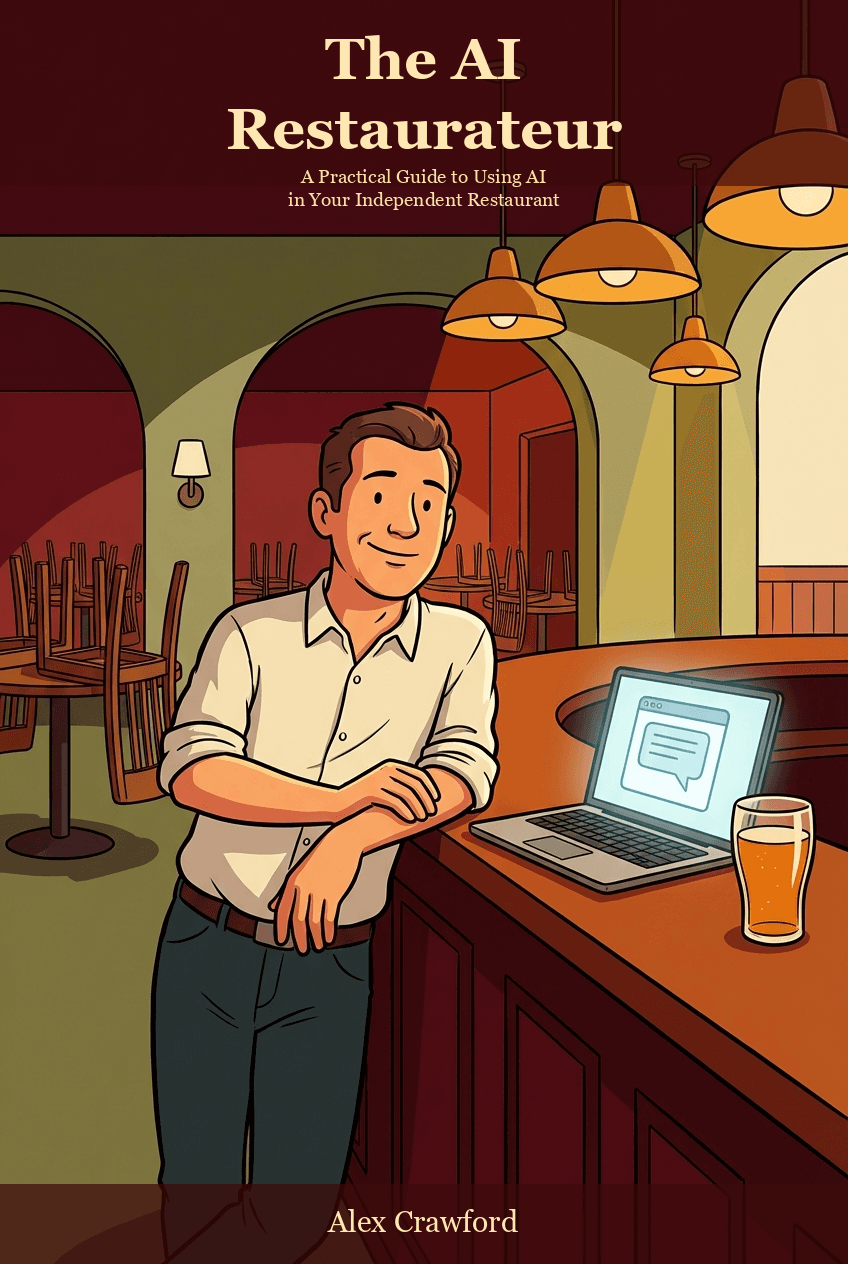
Social media is one piece of the restaurant AI toolkit. For the full system covering marketing, operations, reviews, menus, staffing, and cost control, check out The AI Restaurateur: A Practical Guide to Using Artificial Intelligence in Your Independent Restaurant.