Scenario Planning with AI: Run What-If Analysis Without 20 Spreadsheets
The spreadsheet trap
Every FP&A team has the spreadsheet. The one with 15 tabs, each representing a different scenario. Best case. Worst case. Base case. The version where we lose the biggest client. The version where we hire three months early. The version leadership asked for on Thursday afternoon that needed to be ready by Friday morning.
Each tab has its own assumptions. Each assumption is hardcoded in a different cell. When one input changes — say the revenue growth rate — you update it in the base case, then manually propagate it through every other tab, adjusting the related assumptions as you go. Miss one cell and the whole analysis is inconsistent.
This is not planning. This is spreadsheet maintenance. And it is the reason most finance teams run two or three scenarios when they should be running ten.
What scenario planning actually needs
Strip away the spreadsheet complexity and scenario planning comes down to three things:
A base model. Your current forecast with its core assumptions: revenue growth rate, headcount plan, cost inflation, capital expenditures, working capital requirements. This is your starting point.
Variable assumptions. The inputs you want to stress-test. Not every assumption — just the ones that actually move the needle. For most businesses, that is five to eight variables.
Clear output. Revenue, expenses, EBITDA, cash flow, and one or two metrics your leadership team cares about most. Each scenario needs to show these numbers and explain why they differ from base case.
AI handles the generation, calculation, and narrative for all of this. You handle the assumptions and the judgment about which scenarios matter.
Feeding AI your model
Start by giving AI your base case forecast in a structured format. You do not need to upload a spreadsheet — a clear text description works.
"Here is my company's base case forecast for [year]. Revenue: $[X]M, growing at [X]% per quarter. COGS: [X]% of revenue. Headcount: [X] employees, with [X] planned hires in [Q2/Q3]. Average fully loaded cost per employee: $[X]. Operating expenses breakdown: [list major categories with amounts]. Capital expenditures: $[X]. Current cash position: $[X]M. Key assumptions: [list 3-5 core assumptions like customer retention rate, average deal size, payment terms]. Present this as a quarterly P&L through year-end with EBITDA and ending cash balance."
Review the output against your actual model. Fix any misinterpretations. This becomes the foundation for every scenario you generate.
Generating best, worst, and base case scenarios
Once AI has your base model, generating scenarios is a single prompt instead of hours of spreadsheet duplication.
"Using the base case forecast I provided, generate three scenarios: Best case — revenue growth increases to [X]%, we hit our hiring plan on schedule, and customer retention stays above [X]%. Worst case — revenue growth slows to [X]%, we lose [one major client or X% of revenue], hiring is delayed by one quarter, and operating costs increase by [X]% due to [inflation/supply chain/other factor]. Base case — use the assumptions as provided. For each scenario, show the quarterly P&L, EBITDA, and ending cash position. At the bottom, show a comparison table of key metrics across all three scenarios."
In 60 seconds you have three complete scenarios that would have taken half a day to build in Excel. More importantly, they are internally consistent — every assumption flows through the entire model because AI recalculated everything from scratch instead of propagating changes through linked cells.
Running sensitivity analysis
Sensitivity analysis answers the question: which assumptions matter most? Instead of manually toggling inputs one at a time and recording the output, let AI run the matrix.
"Using my base case forecast, run a sensitivity analysis on these five variables: (1) revenue growth rate — test at [X-5]%, [X]%, and [X+5]%, (2) customer retention rate — test at [X-10]%, [X]%, and [X+5]%, (3) average deal size — test at $[X-20%], $[X], and $[X+20%], (4) headcount timing — on schedule, delayed one quarter, delayed two quarters, (5) COGS as percentage of revenue — test at [X-2]%, [X]%, and [X+2]%. For each variable, show the impact on full-year EBITDA and ending cash balance, holding all other variables constant. Rank the variables by their impact on EBITDA from largest to smallest."
This tells you where to focus your planning energy. If a 5-point swing in revenue growth moves EBITDA by $2M but a 2-point swing in COGS only moves it by $200K, you know which assumption deserves more attention and better data.
Custom scenarios for leadership requests
The real value of AI-powered scenario planning shows up on Thursday afternoon when the CEO asks: "What happens if we acquire that company?" or "What if we delay the product launch by six months?"
Instead of spending the evening rebuilding your model, you describe the scenario in plain language:
"Create a new scenario based on our base case with these changes: we acquire a company for $[X]M in [Q3], funded by [cash/debt/both]. The acquisition adds $[X]M in annual revenue (recognized starting [quarter]), [X] employees at an average cost of $[X], and $[X] in one-time integration costs spread over two quarters. Show the combined quarterly P&L, updated EBITDA, cash impact, and payback period. Compare to the base case side by side."
Fifteen minutes of prompting and review gives you what used to require an evening of spreadsheet work. The accuracy depends on your assumptions, not the speed of the tool.
Presenting scenarios to leadership
Leadership does not want to see five spreadsheet tabs. They want to understand the range of outcomes, the key drivers, and what decisions depend on which scenario materializing. AI can help you build the narrative.
"Based on these three scenarios [paste the scenario comparison table], write a board-ready summary. Structure it as: (1) Executive overview — one paragraph stating the range of outcomes (best case EBITDA of $X to worst case EBITDA of $Y), (2) Key drivers — the 2-3 assumptions that create the biggest swing between scenarios, (3) Decision points — what strategic decisions change depending on which scenario plays out, (4) Recommended actions — 2-3 concrete steps to position for the base case while hedging against the downside. Keep the language clear enough for a non-finance board member to follow."
Edit this for tone and accuracy. AI-generated board summaries tend to be generic — add the specific strategic context that makes your analysis valuable. The company name, the competitive dynamics, the market conditions that make one scenario more likely than another.
Replacing 20 spreadsheets with a repeatable process
The shift here is not just speed — it is the ability to run more scenarios and better scenarios. When each scenario takes 30 minutes of spreadsheet work, you run three and call it done. When each scenario takes 5 minutes of prompting and review, you run ten and actually explore the decision space.
Save your base model prompt and your scenario generation prompts. Update the base model each quarter with fresh actuals. The prompt library becomes your scenario planning infrastructure — version-controlled, reusable, and faster than any spreadsheet.
Go deeper
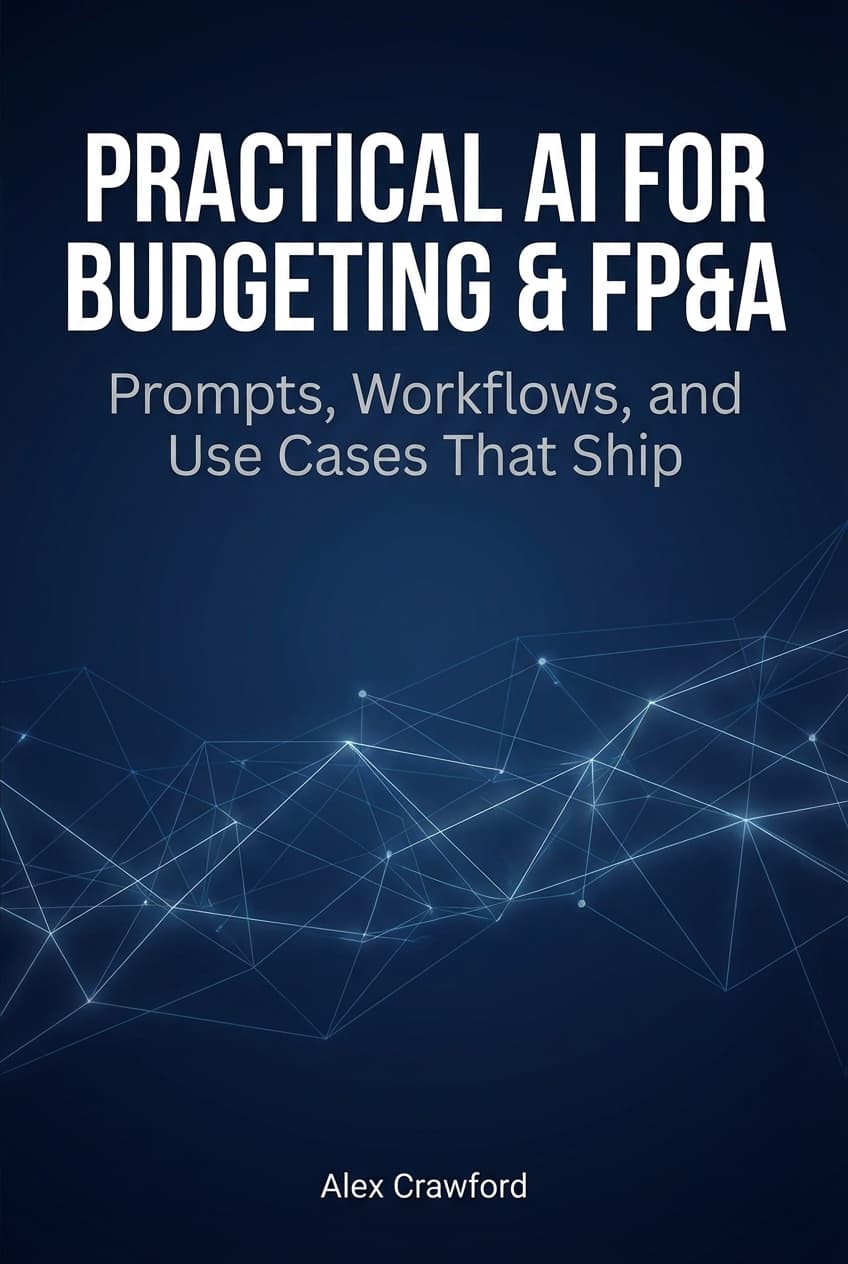
For complete scenario planning workflows — including multi-year modeling, Monte Carlo simulations, capital allocation scenarios, and board presentation templates — check out Practical AI for Budgeting & FP&A: Prompts, Workflows, and Use Cases That Ship. It covers everything from basic sensitivity analysis to advanced forecasting techniques with ready-to-use prompt templates.