Why Most Professionals Fail at AI (And the Simple Fix)
The problem isn't the tool
Most people try an AI tool once, get a mediocre result, and walk away thinking the technology isn't ready. But the technology is fine. The problem is almost always the prompt.
Vague input equals vague output. Every single time.
The most common mistake
Here's what most people type the first time they use ChatGPT or Claude:
"Write a marketing email."
That's it. Four words. No context about the business, the audience, the product, the tone, or the goal. And then they're disappointed when the output reads like it was written by a robot with no personality.
This is the equivalent of walking into a restaurant and saying "food, please." You'll get something. It probably won't be what you wanted.
The fix: context, specificity, format
Every good prompt has three ingredients.
Context. Tell the AI who you are, who the audience is, and what situation you're in. "I run a 10-person landscaping company" gives the AI something to work with. "Write something" does not.
Specificity. Tell the AI exactly what you need. Not "a marketing email" but "a follow-up email to homeowners who requested a free lawn assessment last week." The more specific you are, the less editing you'll do afterward.
Format. Tell the AI how you want the output structured. "Keep it under 150 words. Use a friendly, casual tone. Include a clear call to action at the end." This eliminates the guesswork.
Before and after
Before (vague prompt): "Write a marketing email."
Result: A generic, lifeless email that could be about anything. You'd need to rewrite 80% of it.
After (specific prompt): "Write a follow-up email to homeowners in the Dallas area who requested a free lawn assessment from my landscaping company last week. The email should remind them we're still available, mention that spring is the best time to start a lawn care plan, and include a call to action to book a 15-minute consultation. Keep it under 150 words. Tone should be friendly and neighborly, not salesy."
Result: A polished, usable draft that needs maybe one or two tweaks. Five minutes of work instead of thirty.
The difference isn't magic. It's information.
The iteration mindset
Here's the other thing most people get wrong: they treat AI like a search engine. One query, one answer, done.
But AI works best as a conversation. Your first prompt gets you a draft. Your second prompt improves it. Your third prompt fine-tunes it.
Try follow-ups like:
- "Make the tone more casual."
- "Shorten this to half the length."
- "Add a specific example about spring lawn care."
- "Rewrite the subject line to be more attention-grabbing."
Each follow-up takes seconds. Each one gets you closer to exactly what you need. The people who get the best results from AI aren't the ones with the best first prompts — they're the ones who iterate.
Build a prompt library
Once you find a prompt that works well, save it. Copy it into a Google Doc, a Notion page, or even a sticky note on your desktop.
Over time, you'll build a personal library of prompts that consistently produce good results. This is the real productivity unlock. Instead of starting from scratch every time, you grab a proven template, swap in the details, and get a usable draft in seconds.
The professionals who are getting the most from AI aren't geniuses. They just have better prompts — and they reuse them relentlessly.
Go deeper
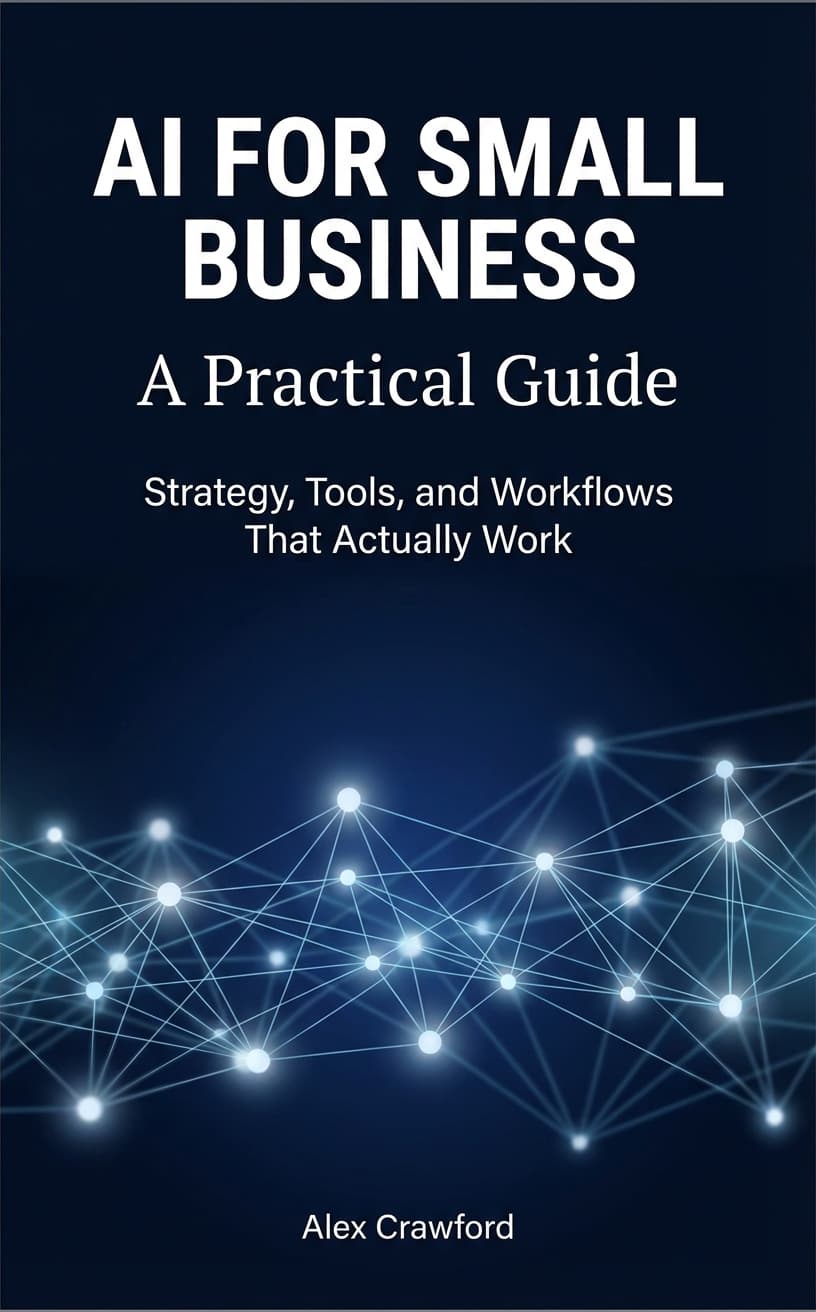
Prompt quality is just one piece of the puzzle. For a complete system — including prompt templates, tool recommendations, and step-by-step workflows for every department — check out AI for Small Business: A Practical Guide.