AI-Powered Scripting for IT: PowerShell, Bash, and Python in Minutes
The scripting bottleneck in IT
Every IT professional hits the same wall. You know exactly what needs to happen. Disable 200 inactive Active Directory accounts. Parse a log file for failed login attempts. Rename 3,000 files based on a naming convention. You can see the solution in your head. You just cannot write the script to do it.
So you spend three days Googling syntax, copying from Stack Overflow, debugging errors you do not understand, and testing on a dev system you barely trust. Or you do it manually, clicking through 200 accounts one at a time because the manual approach is painful but predictable.
AI erases that bottleneck. You describe what you need in plain English. The AI writes the script. You review it, test it, and run it. The three-day project becomes a 30-minute exercise.
This is not theoretical. It is how thousands of IT professionals are working right now.
Why AI is so good at scripting
Scripts are structured, logical, and well-documented. PowerShell, Bash, and Python have millions of examples in the training data that AI models learn from. When you ask an AI to write a script, it is not guessing. It is drawing on patterns from an enormous library of real scripts that have been written, tested, and shared by other professionals.
That means AI-generated scripts are usually syntactically correct on the first try. They follow conventions. They handle common edge cases. They are often better documented than what most of us would write ourselves because the AI includes comments by default.
The catch is that "syntactically correct" does not mean "does exactly what you need." AI scripts require review. They require testing. They sometimes make assumptions about your environment that are wrong. But the starting point is dramatically better than a blank text file and a search engine.
How to prompt for scripts that actually work
The quality of the script you get depends almost entirely on the quality of your prompt. Vague prompts produce vague scripts. Specific prompts produce scripts you can actually use.
Bad prompt: "Write a PowerShell script to manage users."
Good prompt: "Write a PowerShell script that connects to Active Directory, finds all user accounts that have not logged in within 90 days, exports the list to a CSV file with columns for username, last login date, and department, and optionally disables those accounts if a -Disable flag is passed."
The good prompt specifies the technology, the exact logic, the output format, and the parameters. It gives the AI everything it needs to write something useful.
Here are the elements of a strong scripting prompt. Include all of them every time.
Language and environment. PowerShell 5.1 on Windows Server 2019. Bash on Ubuntu 22.04. Python 3.11 with access to the pandas library. Be specific.
Input. What data does the script consume? A CSV file, a directory path, an API endpoint, command-line arguments.
Logic. What should the script do with the input? Filter, transform, compare, move, delete, report.
Output. What should the result look like? A file, a console message, a log entry, an email notification.
Error handling. What should happen when something goes wrong? Log it and continue? Stop and alert? Retry?
Real examples that save hours
Here are patterns IT teams use daily.
Bulk account management. You need to onboard 30 new employees. You have a CSV with their names, departments, and roles. Ask the AI to write a PowerShell script that reads the CSV, creates AD accounts, sets default passwords, assigns group memberships based on department, and creates home folders. What used to take an afternoon of clicking through Active Directory Users and Computers takes five minutes of script execution.
Log analysis. Your security team wants a report on failed SSH login attempts from the last week. Ask the AI for a Bash script that parses /var/log/auth.log, extracts failed password entries, groups them by source IP and username, counts attempts, and outputs a sorted summary. That script takes the AI about 10 seconds to generate. Writing it manually would take an hour if you are comfortable with grep and awk, and much longer if you are not.
File operations at scale. You are migrating a shared drive and need to flatten a nested folder structure, rename files to include their original folder path, and remove duplicates. Describe the rules to the AI. Get a Python script back. Test it on a copy of the data. Run it on the real thing. Done.
Automated reporting. Your manager wants a weekly report on disk usage across 15 servers. Ask the AI for a PowerShell script that queries each server via remoting, collects disk metrics, compiles a summary table, and emails it as an HTML report. Set it up as a scheduled task. Never think about it again.
Reviewing AI-generated scripts safely
Never run an AI-generated script in production without reviewing it. That is the non-negotiable rule.
Here is how to review efficiently without being a scripting expert.
Read the comments. AI-generated scripts usually include inline comments explaining each section. Read them. Do they describe what you asked for? If a comment says "delete all files older than 30 days" and you asked for 90 days, catch it now.
Check the dangerous operations. Search the script for commands that delete, overwrite, or modify. In PowerShell, look for Remove-Item, Set-ADUser, Disable-ADAccount. In Bash, look for rm, mv, chmod. In Python, look for os.remove, shutil.rmtree. Make sure every destructive operation has the right target and the right conditions.
Look for hardcoded values. Paths, server names, credentials, and thresholds should be parameters or variables at the top of the script, not buried in the middle. If the AI hardcoded something that should be configurable, ask it to refactor.
Test in isolation. Run the script against a test environment, a test OU, a copy of the data. Use -WhatIf in PowerShell where supported. Add a dry-run mode if there is not one. Never test in production.
Ask the AI to explain it. Paste the script back and ask "explain what each section of this script does in plain English." If the explanation does not match your intent, you found a bug.
Building a personal script library
One of the most valuable things AI enables is building a library of reusable scripts faster than you ever could manually.
Every time you use AI to generate a script, save it. Clean it up, add a header comment with a description and usage example, and file it in a shared repository. Over weeks and months, your team accumulates a collection of tested, documented scripts for common tasks.
Organize by function: user management, disk management, log analysis, reporting, network diagnostics. When a similar request comes in, start from an existing script rather than prompting from scratch.
This library becomes a team asset. New hires can browse it to see how things are done. Experienced staff can extend existing scripts instead of reinventing them. The AI helped you write each one, but the library is yours.
When AI scripting falls short
AI is not good at everything.
Complex logic across systems. A script that needs to query Active Directory, check a value in a database, call a REST API, and update a monitoring system based on combined results is hard for AI to get right in a single prompt. Break it into smaller scripts or prompt iteratively, building the script up one integration at a time.
Environment-specific quirks. AI does not know about your custom modules, your non-standard directory structure, or the fact that your DNS server has a weird hostname. You will always need to adapt scripts to your environment.
Security-sensitive operations. Scripts that handle credentials, modify permissions, or touch production databases need extra scrutiny. AI can write them, but the review bar is higher. Have a second person check any script that touches security boundaries.
Long-running workflows. A script that needs to run for hours, handle interruptions, and resume where it left off is better suited to a proper automation platform than a standalone script. Use AI to write the individual pieces, but manage orchestration with the right tool.
Making this part of your daily workflow
The IT professionals who get the most value from AI scripting are the ones who reach for it every single day. Not just for big projects. For the five-minute tasks too.
Need to check which servers have a specific Windows update installed? Prompt for it. Need to compare two config files and highlight differences? Prompt for it. Need to generate a quick report for your manager? Prompt for it.
The cumulative time savings are enormous. Each individual script might save 20 minutes. But if you are generating three or four a day, that is over an hour back every day. Over a year, that is hundreds of hours you can redirect to higher-value work.
Go deeper
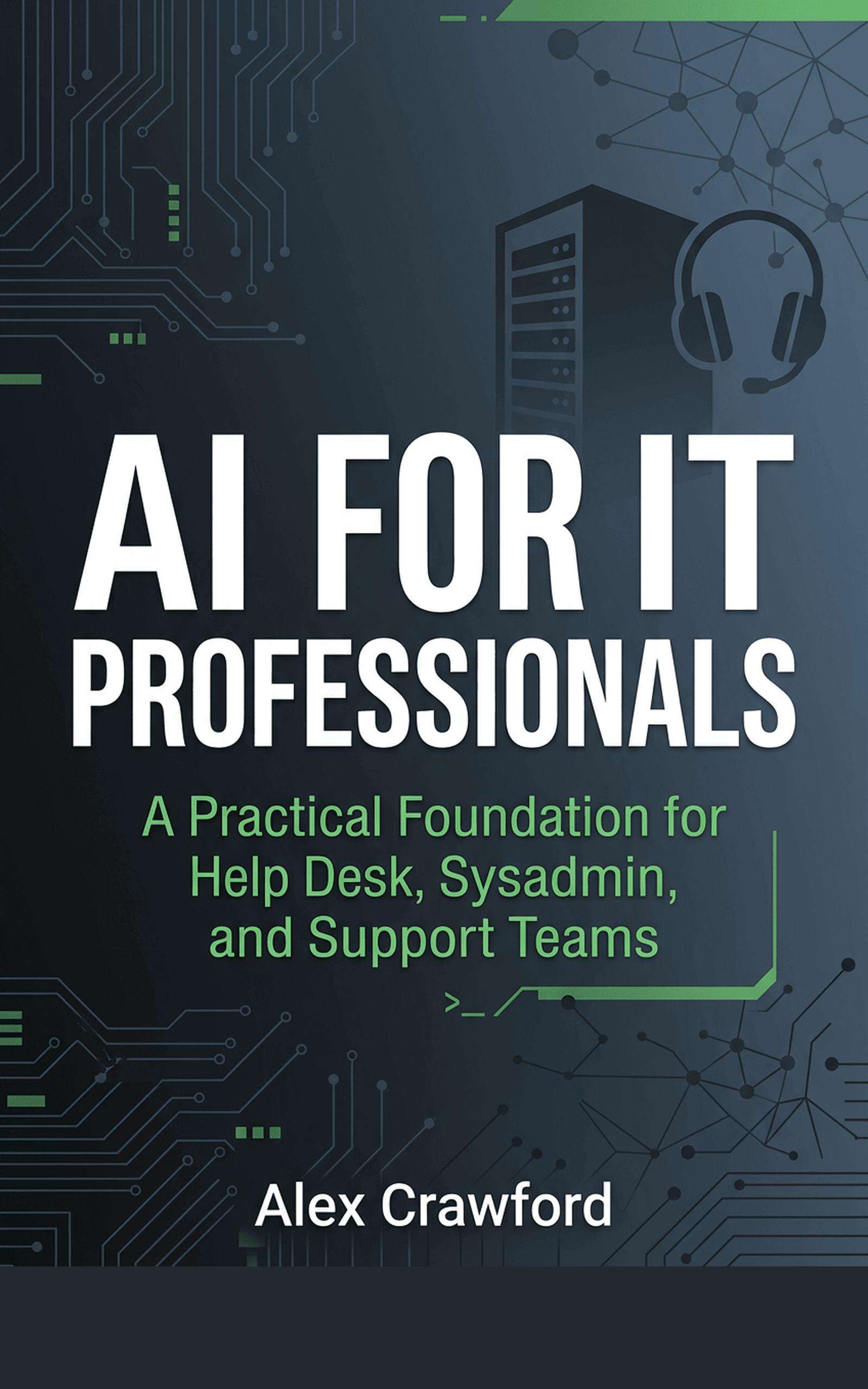
Detailed scripting prompt templates, a library of ready-to-use IT scripts across PowerShell, Bash, and Python, and hands-on exercises you can complete in five minutes are all included in AI for IT Professionals: A Practical Foundation for Help Desk, Sysadmin, and Support Teams. It is the fastest way to make AI a permanent part of your scripting workflow.