How to Use AI to Triage Help Desk Tickets Faster
Your help desk is drowning in tickets
Every IT team knows the feeling. Monday morning, 47 new tickets. Half are password resets. A quarter are duplicates. Somewhere in the pile is a server issue that is going to take down payroll if nobody catches it in the next hour.
Manual triage is how things have always worked. A technician reads each ticket, decides what category it falls into, sets a priority, and routes it to the right person. It works when you get 20 tickets a day. It breaks when you get 200.
AI changes the math. Instead of a human reading every ticket to decide where it goes, an AI model can classify, prioritize, and route tickets in seconds. Not perfectly. Not without oversight. But fast enough and accurate enough to free your team for the work that actually requires a human brain.
How AI ticket triage actually works
The concept is straightforward. An AI model reads the text of a submitted ticket and does three things: it assigns a category, it estimates a priority level, and it suggests which team or individual should handle it.
Behind the scenes, the model is doing natural language processing. It reads the ticket text, identifies keywords and patterns, and compares them against categories it has been trained on. A ticket mentioning "password" and "locked out" gets classified as an access issue. A ticket mentioning "server" and "unresponsive" gets flagged as infrastructure with elevated priority.
You do not need to build this from scratch. Modern AI tools, including the ones you already have access to, can handle classification tasks out of the box with the right prompting.
Setting up category classification
Start by defining your ticket categories. Most IT teams already have these, but they are often inconsistent. Clean them up first. You want categories that are mutually exclusive and collectively exhaustive.
A solid starting set looks like this: Access and Permissions, Hardware, Software, Network, Email, Infrastructure, Security, and General Request. You can go deeper, but eight to twelve categories is a good target. More than that and accuracy drops because the distinctions get too fine.
Once you have your categories, you can use a large language model to classify incoming tickets. The key is writing a clear system prompt that lists your categories with brief descriptions and examples. Feed the ticket text in, get a category back.
A simple classification prompt looks like this: You provide the model with your category list, each with a one-sentence description and two example ticket subjects. Then you tell it to read the incoming ticket and return the best matching category. That is the whole system.
Test it with 50 real tickets from your queue. You should see 80 to 90 percent accuracy on the first pass. The tickets it gets wrong will show you where your category descriptions need tightening.
Adding priority detection
Priority is harder than category because it requires understanding urgency and impact, not just topic. But AI handles it better than you might expect.
The trick is giving the model a clear priority framework. Define what each level means in concrete terms.
Critical: Production system down, multiple users affected, revenue or safety impact. High: Major function degraded, workaround exists but is painful, single critical user affected. Medium: Standard request, moderate impact, reasonable workaround available. Low: Minor inconvenience, cosmetic issue, informational request.
Include examples with each level. The model needs to understand that "the CEO cannot access email" is high priority even though it is one user, while "the break room printer is jamming" is low priority even though it affects many people.
You can also teach the model to look for urgency signals in the text. Words like "down," "urgent," "cannot work," "all users," and "deadline" should nudge the priority upward. Words like "when you get a chance," "minor," and "not urgent" should nudge it down.
Automating ticket routing
Routing is the final piece and it is the one that saves the most time. Instead of a dispatcher reading every ticket and deciding who handles it, the AI suggests a destination based on the category and priority.
Build a simple routing table. Access issues go to the identity team. Hardware goes to desktop support. Network goes to the infrastructure team. Critical priority anything goes to the on-call engineer.
Map your categories and priorities to destinations, then let the AI apply the map after classification. The routing step does not require any additional intelligence. It is just a lookup table driven by the classification output.
Where it gets smart is when you add context. If your ticketing system tracks who resolved similar tickets in the past, you can include that data. The AI can suggest routing to the specific technician who has handled the most tickets in that category, or who has the lightest current load.
What you can do with free tools today
You do not need an enterprise AIOps platform to start. You can build a working triage system with tools you already have.
Option one: email-based triage. If tickets come in via email, set up a workflow that forwards the ticket text to an AI API, gets back a classification and priority, and tags the ticket before it hits your queue. Most ticketing systems support email rules and webhooks that make this possible.
Option two: chatbot pre-triage. Put an AI chatbot in front of your ticket submission form. The chatbot asks clarifying questions, determines the category and urgency, and submits a pre-tagged ticket. This has the added benefit of resolving simple issues before a ticket is even created.
Option three: batch classification. If real-time routing is too ambitious for now, run a batch job every 15 minutes that classifies and re-prioritizes unassigned tickets. It is not instant, but it is dramatically faster than waiting for a human to get through the queue.
Start with option three. It is the easiest to implement and the easiest to roll back if something goes wrong.
Handling the edge cases
AI triage will misclassify tickets. That is a fact you need to plan for, not a reason to avoid it.
The most common failure mode is ambiguous tickets. When a user writes "nothing is working" the model has to guess. It will sometimes guess wrong. Build a confidence threshold into your system. If the model is less than 70 percent confident in its classification, flag the ticket for human review instead of auto-routing it.
Another common issue is multi-category tickets. A user reports that their laptop is slow and they cannot access a shared drive. That is both a hardware issue and an access issue. Decide in advance how you want to handle these. Most teams pick the primary issue and let the technician create a child ticket for the secondary one.
Watch for priority inflation too. Users write everything like it is urgent. The model will pick up on that urgency language and over-prioritize. Calibrate your prompts to weight objective impact signals over subjective urgency language.
Measuring whether it is working
Track three metrics after you deploy AI triage.
Classification accuracy. Have technicians flag tickets that were miscategorized. You want to stay above 85 percent. Below that, your categories or prompts need work.
Time to first response. This should drop noticeably. If tickets are being routed to the right team immediately instead of sitting in a general queue, the first human touch happens faster.
Reassignment rate. If tickets are being bounced between teams after AI routing, the routing logic needs adjustment. A high reassignment rate means the model is classifying correctly but your routing table does not match your team structure.
Review these weekly for the first month, then monthly after that. The model does not degrade on its own, but your ticket patterns will shift over time and your prompts may need updating.
The bigger picture
AI triage is not about replacing your help desk team. It is about removing the lowest-value work from their plate. Reading a ticket, deciding it is a password reset, and assigning it to Tier 1 is not work that requires expertise. It is clerical overhead that burns out good technicians.
When your team stops spending 30 percent of their day on triage, they can spend that time on the tickets that actually need problem-solving skills. That is better for your team, better for your users, and better for your resolution metrics.
Start small. Classify one ticket category. Measure the results. Expand from there.
Go deeper
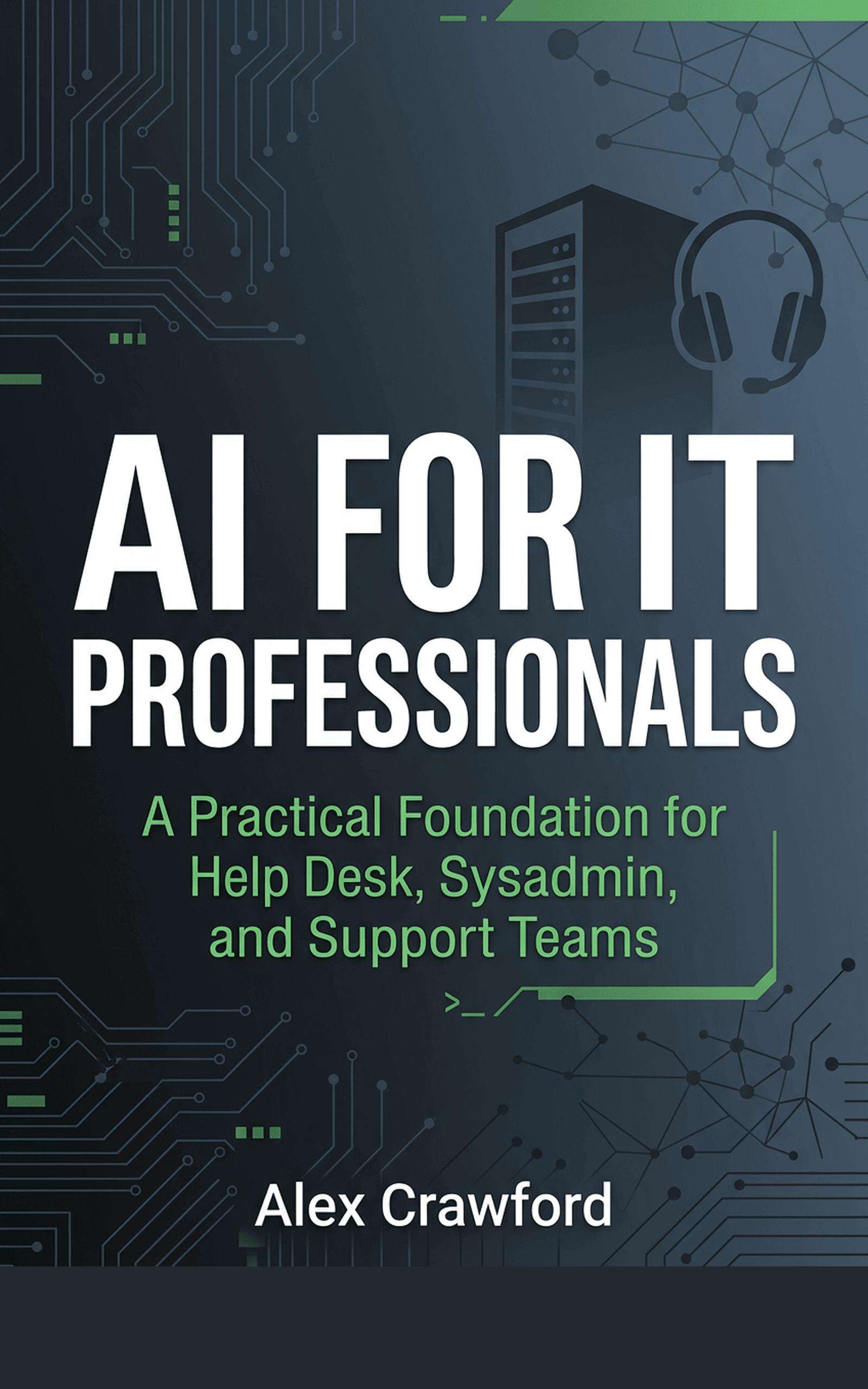
A complete walkthrough of building an AI-powered ticket triage system, including prompt templates, integration patterns for popular ticketing platforms, and a 5-minute hands-on exercise you can do today, is covered in AI for IT Professionals: A Practical Foundation for Help Desk, Sysadmin, and Support Teams. It is the starting point for IT teams ready to work smarter with AI.