How to Build a Customer Portal Without Writing Code
Your clients are tired of emailing you for updates
Every service business hits the same wall. Clients email asking for project status. They call to check if you received their documents. They forget what you discussed in the last meeting and ask the same questions again.
You end up spending hours every week on communication that could be handled by a simple portal — a place where clients log in, submit requests, check progress, and find answers. The problem has never been the concept. The problem has been the cost. Custom portals used to start at $10,000 and take months.
AI coding tools changed that equation entirely. You can build a functional client portal in a weekend for less than $50 a month in hosting.
What a basic client portal actually needs
Before you open any tool, define the three things your portal must do on day one. Not everything it could do someday — just the core:
Intake form. A way for clients to submit requests, documents, or project details without emailing you. The form should confirm receipt instantly and route the submission to the right place.
Status tracking. A simple view where clients see where their project stands. Not a project management tool — just a clear answer to "where are we?"
FAQ or knowledge base. The five to ten questions clients ask every week. Put them in one place and stop answering them manually.
That is your minimum viable portal. Everything else — file sharing, invoicing, scheduling — is a later iteration.
Choosing your AI builder
Three tools work well for this kind of project:
Bolt is the fastest for getting a working prototype. You describe what you want, it generates a deployable app in minutes. Best for when you want to see something working immediately and iterate from there.
Replit gives you more control and a built-in hosting environment. Good for portals that need a database to store client information and project statuses. The AI assistant helps you build and modify the code through conversation.
Cursor is the most powerful but has the steepest learning curve. Best if you want to customize every detail and are comfortable looking at code, even if you did not write it.
For a first portal, start with Bolt or Replit. You can always migrate later.
Building the intake form
Start with the intake form because it delivers value immediately — clients can submit requests the day you launch.
"Build a client intake form for a [your service type] business. The form should collect: client name, email, phone number, project type (dropdown with these options: [list your services]), project description (text area), preferred timeline, and file upload for any supporting documents. When submitted, show a confirmation message with a reference number. Store submissions in a database. Send an email notification to [your email] with the form details."
Test the form by submitting it yourself three or four times. Check that the confirmation appears, the data is stored, and you receive the notification. Fix anything that breaks before moving on.
Adding status tracking
Once the intake form works, add a way for clients to check their project status.
"Add a status tracking page to this app. Each form submission should have a status field with these options: Received, In Review, In Progress, Awaiting Client Input, Completed. Create a simple lookup page where a client enters their reference number and email to see their project status and any notes. Include a last-updated timestamp. On the admin side, I need a dashboard where I can update the status and add notes for each submission."
The admin dashboard is for you. The lookup page is for your clients. Keep the client-facing side minimal — status, notes, last updated. That is all they need.
Building the FAQ section
The FAQ is the simplest component and often the most valuable. Every question a client answers themselves is an email you do not have to write.
"Add an FAQ page to this portal with these questions and answers: [list your 8-10 most common client questions with brief answers]. Include a search bar that filters questions as the user types. Make the answers expandable — show only the questions by default, click to expand each answer. Style it to match the rest of the portal."
Pull your FAQ content from your last 50 client emails. Look for patterns. The questions you answer most often belong in this section.
Testing before you go live
Before sending clients to your portal, test these five things:
Mobile. Open the portal on your phone. Most clients will access it from mobile first. Make sure forms are usable, text is readable, and buttons are tappable.
Submissions. Submit the intake form multiple times with different data. Verify every submission is stored and you are notified.
Status lookup. Use a reference number from your test submissions. Confirm the status page shows the right information.
Edge cases. Submit the form with missing fields. Enter a wrong reference number. Upload a large file. See what happens. Fix anything that produces an error or a confusing result.
Speed. Load the portal on a slow connection. If it takes more than three seconds, ask the AI tool to optimize the performance.
"Review this portal for performance and mobile usability. Optimize page load speed, ensure all forms work on mobile devices, and add proper error messages for invalid inputs. Test that the FAQ search works with partial text matches."
Launching to your first clients
Do not announce the portal to everyone at once. Send it to three to five clients first. Tell them you are testing a new way for them to submit requests and check project status. Ask for feedback after a week.
Their feedback will tell you what is missing, what is confusing, and what works better than expected. Make adjustments, then roll it out to everyone.
The whole project — from first prompt to live portal — is realistic to complete in a weekend. The hosting costs are minimal. And every client who checks their own status instead of emailing you saves you five to ten minutes per week. Across a full client roster, that adds up fast.
Go deeper
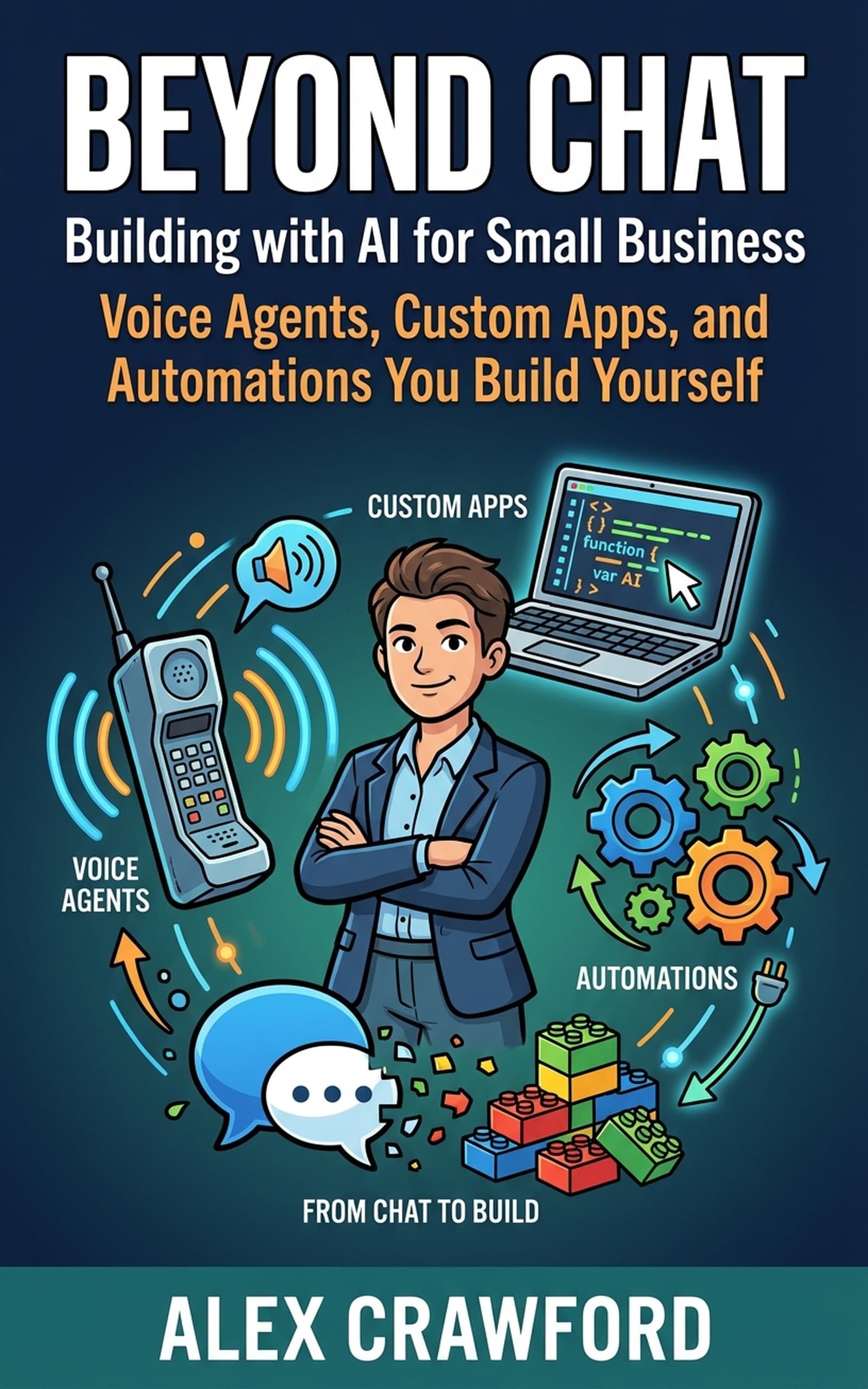
For complete walkthroughs of building client-facing apps, internal tools, and automations with AI coding platforms — including deployment and integration with your existing business tools — check out Beyond Chat: Building with AI for Small Business. It covers every step from first prompt to live application.