How to Build Your First AI-Powered App Without Writing Code
You don't need to be a developer
A year ago, building a custom app meant hiring a developer or learning to code. That's not true anymore. AI coding tools like Cursor, Replit, and Bolt let you describe what you want in plain English and get working software back. Not a mockup. Not a wireframe. A working app.
Small business owners are using these tools to build quote calculators, booking systems, client portals, and internal dashboards — in days, not months.
What "building with AI" actually means
You're not writing code in the traditional sense. You're having a conversation. You describe what you want: "I need a form where customers enter their project details and get an instant price estimate." The AI tool generates the code, you preview it, suggest changes, and iterate until it works.
Think of it like directing. You don't need to know how to act — you just need to know what the scene should look like.
Three apps you can build this week
1. A customer intake form with instant response
Instead of a static contact form that disappears into an inbox, build one that acknowledges the customer immediately, categorizes their request, and routes it to the right person on your team. Add a thank-you page that suggests relevant services based on what they submitted.
Tools: Replit or Bolt for the app. Zapier to connect it to your email or CRM.
2. A pricing calculator
If your customers always ask "how much does it cost?" before anything else, give them the answer immediately. Build a simple calculator where they select options — square footage, service tier, quantity — and get an instant estimate. You control the formulas. They get answers at 2 AM without waiting for you to respond.
Tools: Cursor or Replit for the frontend. Deploy it as a page on your existing website.
3. An internal dashboard
Stop digging through spreadsheets. Build a dashboard that pulls data from your existing tools — your CRM, your accounting software, your project tracker — and shows you what matters in one place. Revenue this month, open proposals, overdue invoices. One screen, no tab-switching.
Tools: Replit for the dashboard. Make or Zapier to pull in data from other tools.
The real advantage isn't the app — it's the speed
Custom software used to take weeks and cost thousands. Now you can prototype an idea in an afternoon and have a working version by the end of the week. If it doesn't work, you've lost a few hours, not a few thousand dollars.
This changes the math. You can afford to experiment. Build a tool for one client, see if it works, then roll it out to everyone. That kind of iteration speed used to be reserved for companies with engineering teams.
What about AI voice agents?
Voice is the next frontier. AI voice agents can answer your business phone 24/7, handle common questions, book appointments, and escalate complex calls to your team. They're not the robotic phone trees you're used to — they sound natural, handle interruptions, and can access your business information in real time.
Setting one up is more involved than building a simple app, but it's still within reach for a non-technical business owner. The key is starting with a narrow use case: after-hours calls, appointment scheduling, or FAQ handling.
The bottom line
You don't need permission from a developer to build software for your business. The tools exist today, they're affordable, and they work. The business owners who figure this out first get a real competitive advantage — not because they're technical, but because they're willing to try.
Go deeper
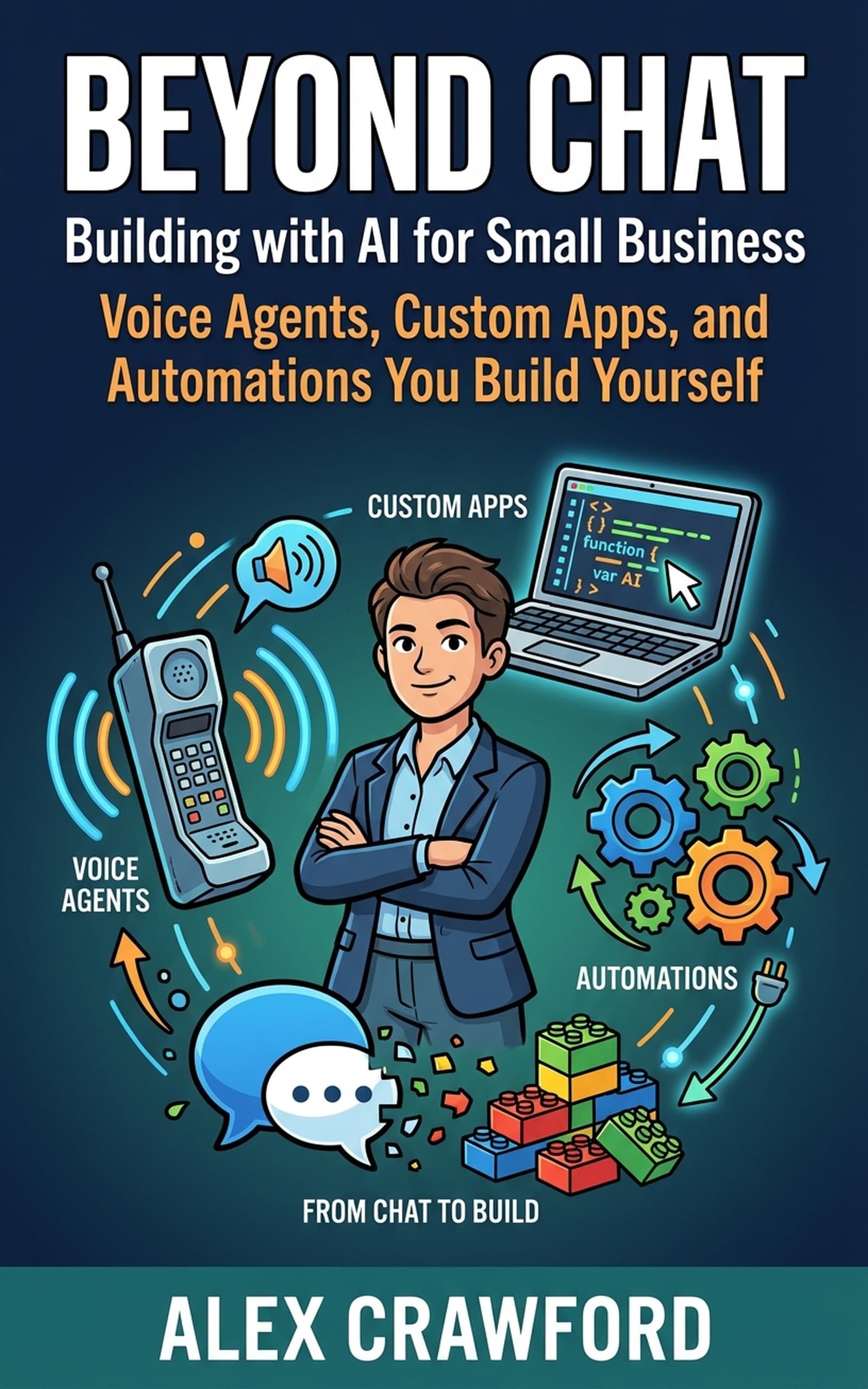
For step-by-step walkthroughs — including deploying AI voice agents and building customer-facing apps from scratch — check out Beyond Chat: Building with AI for Small Business. The book follows four business owners from idea to launch, with every tool and setting documented along the way.