How to Set Up an AI Voice Agent for Your Business This Weekend
Every missed call is a missed sale
For service businesses — plumbers, salons, law offices, medical practices — the phone is still the primary way customers reach out. And most of those calls come during business hours when you're busy doing the actual work.
The math is brutal. If you miss 5 calls a day and even 20% of those would have converted, that's one lost customer per day. Over a month, that's 20-30 customers who called, got voicemail, and called the next business on the list.
AI voice agents change this equation. They answer every call, 24/7, in a natural-sounding voice. They can answer common questions, book appointments, take messages, and route urgent calls to you. And the latest generation of tools lets you set one up without writing code.
What an AI voice agent actually does
An AI voice agent isn't a phone tree from 2005. It's a conversational AI that:
- Answers the phone in a natural, human-sounding voice
- Understands context — if someone asks "Do you do emergency repairs on weekends?" it can parse that and respond appropriately
- Books appointments by connecting to your calendar (Google Calendar, Calendly, or similar)
- Takes detailed messages and texts or emails them to you immediately
- Answers FAQs based on information you provide about your business
- Transfers calls to you or your team when the situation requires a human
The caller experience is surprisingly good. Most people can't tell they're talking to AI for the first 15-20 seconds — and by then, their question is already being answered.
Choosing your platform
Several no-code platforms let you build voice agents without technical skills. The main options right now:
Bland AI — Popular for small businesses. Pay-per-minute pricing. Good voice quality. Integrates with Zapier for appointment booking.
Vapi — Developer-friendly but also has a visual builder. Flexible and well-documented. Connects to most calendar and CRM tools.
Synthflow — Designed specifically for small businesses. Templates for common industries. Straightforward setup wizard.
All of these offer free trials or low-cost entry points. You don't need to commit hundreds of dollars to test whether a voice agent works for your business.
Setting it up: the key steps
Step 1: Write your agent's script foundation
You're not scripting every possible conversation — you're giving the AI context about your business so it can handle conversations naturally.
"I need to create a knowledge base for an AI phone agent for my [business type] called [name] in [city]. Write a structured document covering: our business hours, services offered, pricing ranges, booking process, common FAQs (generate 10 likely ones based on my business type), and when to transfer to a human. Format it as clear Q&A pairs."
Step 2: Define your agent's personality
"Write a system prompt for an AI voice agent that answers phones for my [business type]. The agent should be [friendly/professional/warm]. It should introduce itself as '[name] from [business].' It should never pretend to be human if asked directly. It should always offer to connect the caller with a team member if it can't help. Keep the system prompt under 200 words."
Step 3: Set up appointment booking
Connect your voice agent to your calendar tool. Most platforms support direct integrations with Google Calendar and Calendly. The agent checks availability in real time and books the slot during the call.
Step 4: Configure your phone routing
You have two options:
- New number: Get a dedicated business number that the AI agent answers
- Call forwarding: Forward your existing business number to the agent when you can't answer (after 3-4 rings, during off-hours, etc.)
Most businesses start with call forwarding during off-hours and weekends, then expand to full-time coverage once they trust the system.
Step 5: Test it yourself
Call the number. Ask the hard questions. Try to confuse it. Have friends call without telling them it's AI. Collect feedback and refine your knowledge base.
What it costs
Most voice agent platforms charge $0.05-$0.15 per minute of conversation. An average business call lasts 2-3 minutes. If your agent handles 20 calls per day, that's roughly $60-$90 per month.
Compare that to a missed customer worth $200-$2,000 in lifetime value, and the ROI becomes obvious.
Common concerns
"Will customers hate talking to AI?" — Most customers prefer getting an immediate answer from AI over leaving a voicemail that may never get returned. The bar isn't perfection — it's better than voicemail.
"What if the AI says something wrong?" — Set clear boundaries in your system prompt. Tell it to say "I'd want to make sure I give you accurate information — let me have [name] call you back" rather than guessing on pricing or policy questions.
"Is this only for big companies?" — The opposite. Big companies have receptionists and call centers. Solo operators and small teams benefit the most because every missed call hits harder.
Go deeper
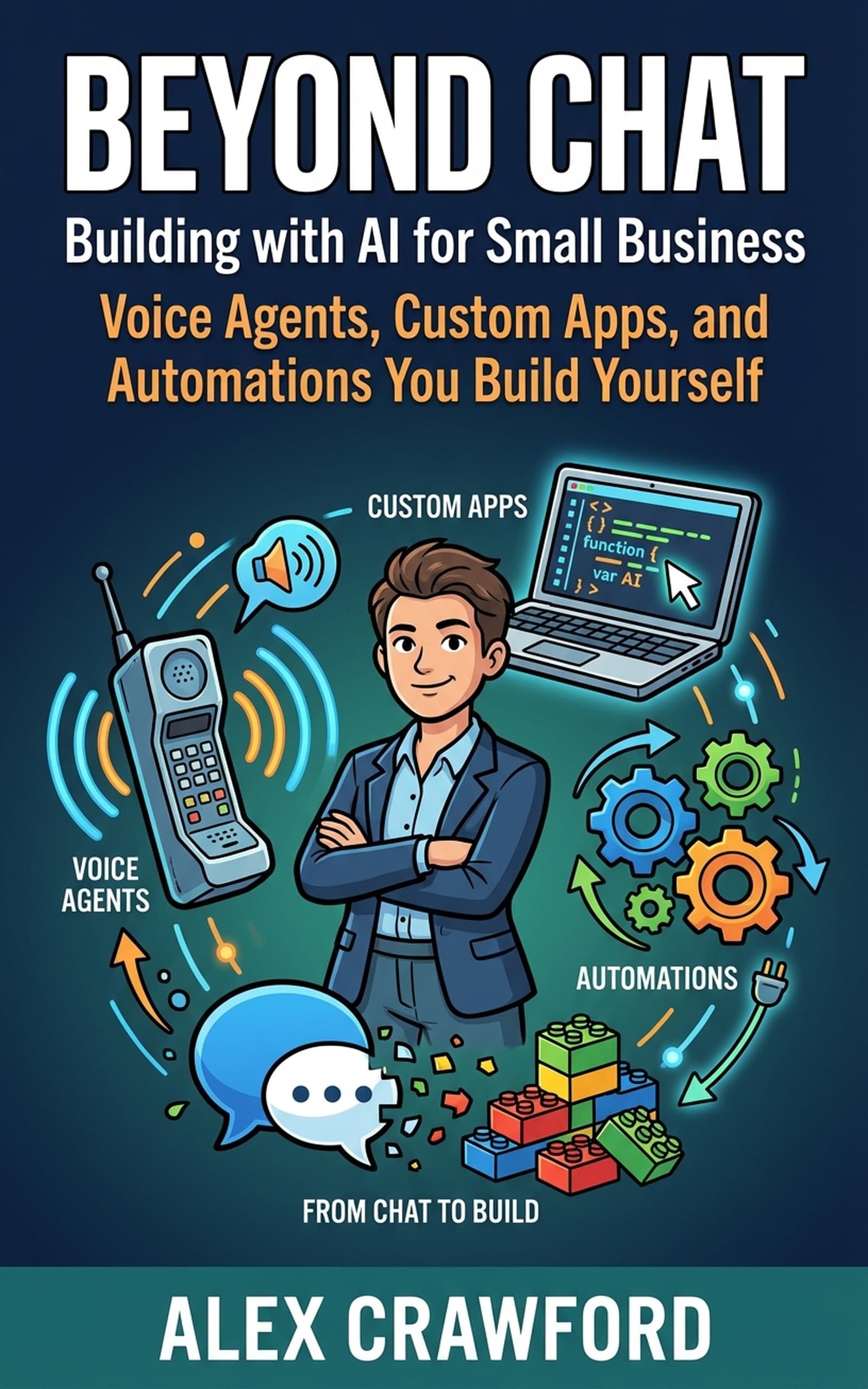
For a complete walkthrough of building voice agents, custom apps, and back-office automations — including four real business owner case studies — check out Beyond Chat: Building with AI for Small Business. Sixteen chapters that take you from AI user to AI builder.