How to Automate Your Month-End Close with AI
Month-end close shouldn't still feel like an emergency
Every finance team knows the rhythm. The books close, and then it's a sprint: pull the numbers, calculate variances, write commentary, build the deck, and present to leadership. Every month. Same drill. Same late nights.
The frustrating part isn't the complexity — it's the repetition. Eighty percent of month-end close work is the same every cycle. Pull data from the same systems. Calculate the same variances. Write the same type of commentary explaining why actuals differed from budget. Format the same reports.
AI is built for exactly this kind of structured, repetitive knowledge work. It won't replace your judgment on what the numbers mean — but it will eliminate the hours you spend turning raw data into readable analysis.
Variance analysis in minutes, not hours
Variance analysis is the backbone of month-end reporting. It's also the most time-consuming part because it requires pulling actuals, comparing to budget, calculating the difference, and determining whether each variance is meaningful.
"Here are my department's actual results versus budget for [month]: [paste or describe line items with actual, budget, and prior year amounts]. Calculate the variance (actual vs. budget) in both dollars and percentage for each line item. Flag any variance greater than 10% or $[threshold]. For each flagged variance, suggest likely explanations based on common business patterns — timing differences, volume changes, rate/price changes, or one-time items. Organize by materiality, largest variances first."
The AI won't know the specific reason your travel expenses were 40% over budget — but it will categorize the variance, suggest likely causes, and draft preliminary commentary that you can edit with the real explanation. That turns a 3-hour analysis into a 45-minute review.
Time saved: Variance analysis and initial commentary drops from a full day to about 2 hours.
Drafting management commentary
Writing variance commentary is where finance professionals spend the most discretionary time during close. Every line item needs an explanation, and that explanation needs to be clear, concise, and leadership-friendly.
"Here are the key variances from our [month] close: [list each variance with amount, percentage, and your brief notes on the cause]. Write management commentary for each variance in a professional finance tone. Each explanation should be 2-3 sentences: state the variance, explain the root cause, and note whether it's expected to continue or is a one-time item. Group related variances together where it makes sense."
The drafts won't be perfect. You'll need to add context that only you know — "the VP of Sales approved an unbudgeted headcount in week 3" or "we pulled forward Q2 marketing spend to capture a seasonal opportunity." But starting from a structured draft beats staring at a blank page for each line item.
Anomaly detection in your data
Before you can explain variances, you need to trust your numbers. Anomalies — duplicate entries, misclassified expenses, timing errors — can hide in large datasets and derail your analysis.
"Review this financial data for anomalies: [paste journal entries, transaction details, or GL line items]. Flag any potential issues: duplicate transactions (same amount, same date, similar descriptions), unusual amounts (significantly larger or smaller than typical for that account), entries that might be misclassified based on the description, and any round-number entries that might indicate estimates rather than actuals. List each finding with the specific entry and why it looks suspicious."
This isn't a replacement for proper reconciliation. But running your data through this check before you start analysis can catch the kind of errors that would otherwise surface during the leadership review — which is the worst time to discover them.
Automating report formatting
Finance teams spend a surprising amount of time on formatting. Aligning tables, building charts, making sure the deck looks consistent with last month's. It's not analytical work, but it eats hours.
"Here's my raw monthly financial data: [paste data table]. Reformat this as a clean management report with the following sections: (1) Executive summary — 3-4 bullet points on key takeaways, (2) P&L overview with actuals, budget, variance, and prior year, (3) Key variance explanations (use the commentary I provide: [paste commentary]), (4) Forward-looking items and risks. Use consistent number formatting (thousands, one decimal for percentages). Flag any items that need executive attention."
This gives you the narrative structure of your report. You'll still need to format it in your actual reporting tool — but the content, structure, and narrative are ready to paste.
Building the executive summary
The executive summary is often the only thing leadership reads carefully. It needs to be sharp, honest, and forward-looking. It also needs to land the key messages without burying them in detail.
"Based on these month-end results: [paste key metrics — revenue, expenses, EBITDA, cash flow, headcount, and their variances], write a 4-5 bullet executive summary for senior leadership. Lead with the most significant item — whether positive or negative. Each bullet should be one sentence. Include one forward-looking statement about next month or the quarter. Use plain language — no finance jargon that a non-finance executive wouldn't immediately understand."
Review this critically. AI tends to soften bad news, so if the month was rough, make sure the summary reflects that honestly. Leadership trusts finance teams that give them straight answers, not polished spin.
Reconciliation checklists
Every close has a reconciliation checklist. Cash, intercompany, accruals, prepaids, fixed assets — each one has steps, owners, and deadlines. AI can help you build and maintain these.
"Create a month-end close reconciliation checklist for a [company size/type] company. Include: account name, reconciliation owner, source systems to reconcile, key steps, deadline (relative to close — e.g., 'Close +2 days'), and common issues to watch for. Cover: cash and bank accounts, accounts receivable, accounts payable, prepaids and accruals, fixed assets, intercompany (if applicable), and payroll. Format as a table."
Customize this once, and it becomes your team's standard operating procedure. New analysts know exactly what to do and when, which means less handholding during the close crunch.
Time saved: New team members onboard to the close process immediately instead of learning through trial and error.
The real goal: closing faster
The point of AI in the close process isn't to replace finance professionals — it's to compress the low-value work so you can spend more time on analysis, insights, and forward-looking planning. If your close currently takes 10 business days, these workflows can realistically cut 2-3 days by eliminating the manual drafting and formatting bottlenecks.
That gives you time back for the work that actually matters: understanding what the numbers are telling you and what to do about it.
Go deeper
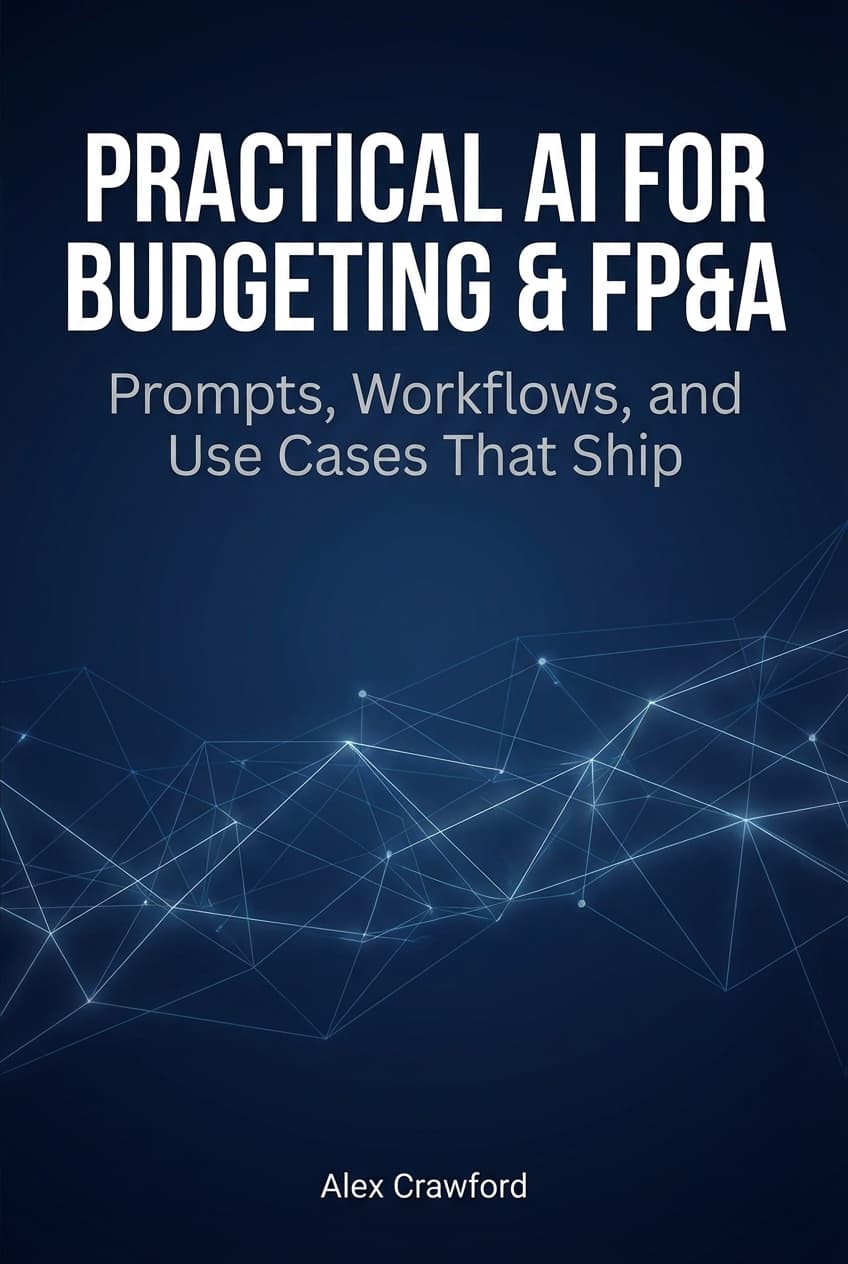
For complete AI workflows across budgeting, forecasting, variance analysis, month-end close, and executive reporting — including prompt templates and implementation guides — check out Practical AI for Budgeting & FP&A: Prompts, Workflows, and Use Cases That Ship. Sixteen chapters plus seven appendices of templates, prompts, and reference guides for finance teams.