How to Use AI for Budgeting and Financial Planning
FP&A teams are drowning in spreadsheets
If you work in financial planning and analysis, your week probably looks something like this: pull data from three systems, copy it into a spreadsheet, build the same report you built last month with slightly different numbers, spend two hours formatting it for leadership, and repeat. Meanwhile, the actual analysis — the part of your job that drives business decisions — gets squeezed into whatever time is left.
AI doesn't replace financial judgment. It replaces the mechanical work that prevents you from using it.
Where AI creates the most leverage in FP&A
1. Variance analysis on autopilot
Variance analysis is essential and tedious. You compare actuals to budget, identify the significant variances, and write explanations for each one. AI handles the explanation drafting and pattern spotting instantly.
How to do it: Export your variance report and paste the data into ChatGPT or Claude.
"Here's our budget vs. actual report for [month]. Identify all variances greater than 5% or $10,000. For each variance, suggest a likely explanation based on the category and trend. Flag any that look unusual compared to the prior three months."
You'll get a first draft of variance commentary in seconds. Your job shifts from writing explanations to reviewing them — and spotting the ones the AI got wrong.
2. Faster forecast iterations
Building a forecast usually means running scenario after scenario in Excel, manually adjusting assumptions, and rebuilding downstream calculations each time. AI can help you iterate faster.
How to do it: Describe your forecast model's structure and key assumptions, then ask AI to suggest scenarios.
"Our revenue forecast is based on these assumptions: [list assumptions — growth rate, churn, new customer acquisition, pricing changes]. Generate three scenarios: base case, optimistic, and pessimistic. For each scenario, explain the assumption changes and their likely impact on total revenue."
This doesn't replace your model. It gives you a starting point for scenario planning that would otherwise take an afternoon of spreadsheet work.
3. Board and leadership reporting
Executives don't read spreadsheets. They read narratives. Translating numbers into a story is one of the highest-value things an FP&A professional does — and AI makes the first draft trivial.
How to do it: Paste your key financial metrics and ask for a narrative summary.
"Write a CFO-level financial summary for [month/quarter]. Key metrics: [revenue, EBITDA, cash flow, headcount, key variances]. Write it in clear, non-technical language. Highlight the two or three things that matter most. Keep it under 300 words."
You'll spend your time refining the narrative and adding context that AI can't know — political nuance, strategic context, things discussed in the last board meeting — instead of writing it from scratch.
4. Month-end close acceleration
Month-end close is a grind of reconciliations, journal entries, and checklists. AI won't run your close for you, but it can draft reconciliation notes, generate journal entry descriptions, and maintain your close checklist.
How to do it: Give AI your close checklist and ask it to track status, draft standardized descriptions for recurring journal entries, and generate a summary of completed items for review.
"Here's our month-end close checklist with status notes: [paste checklist]. Summarize the current status: what's complete, what's in progress, and what's blocked. Draft a status update I can send to the controller."
5. Data cleanup and formatting
Finance teams spend an unreasonable amount of time cleaning data. Mismatched formats, duplicate entries, inconsistent naming conventions — it all has to be fixed before you can analyze anything.
How to do it: For smaller datasets, paste the messy data directly into an AI tool.
"Here's a list of vendor names from our AP system. Many are duplicates with different spellings or abbreviations. Group the duplicates and suggest a standardized name for each group."
For larger datasets, AI coding tools can generate Python or Excel scripts that automate cleanup rules you'd otherwise apply manually.
Getting started without a big rollout
You don't need approval for a company-wide AI initiative. You need 30 minutes and a free ChatGPT or Claude account. Start with the task you dread most — the one that eats your Friday afternoon every month — and try an AI-assisted version of it.
If it saves you an hour the first time, you'll find the second use case yourself. Then the third. Before long, you'll have a personal AI workflow that makes your entire reporting cycle faster.
A note on data security
Finance data is sensitive. Before pasting anything into an AI tool:
- Don't use customer names, account numbers, or PII. Anonymize or aggregate first.
- Check your company's AI policy. If there isn't one, talk to your IT or compliance team.
- Use enterprise plans when available — they typically offer better data handling guarantees.
- When in doubt, summarize. You can describe the shape of your data without sharing the actual numbers.
Go deeper
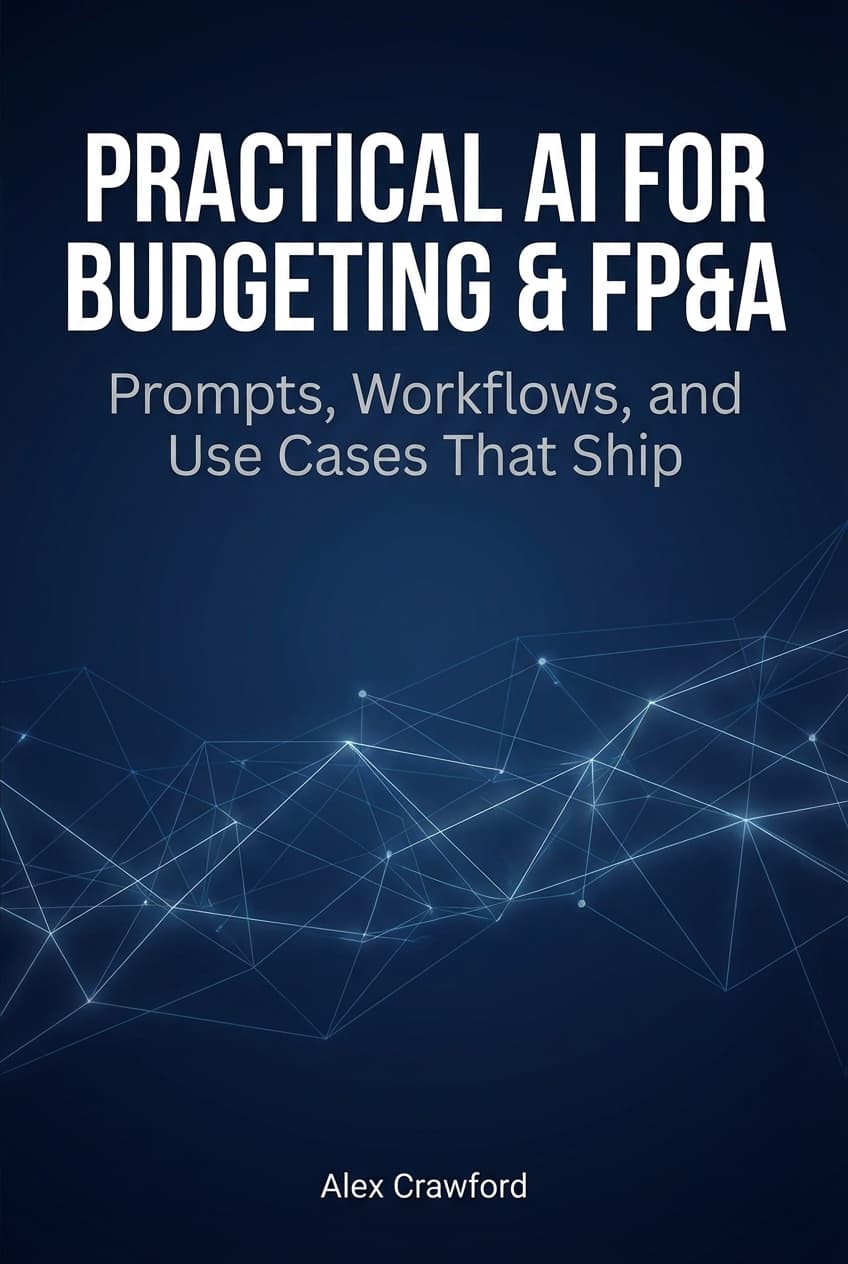
For complete AI workflows, prompt templates, and use cases covering budgeting, forecasting, variance analysis, reporting, and capability building — plus seven appendices with ready-to-use templates — check out Practical AI for Budgeting & FP&A: Prompts, Workflows, and Use Cases That Ship.