Nonprofit Marketing on a Zero Budget Using Free AI Tools
No budget is not an excuse anymore
Nonprofits have always faced an unfair marketing equation: the organizations that need visibility the most have the least to spend on getting it. A $200K-budget community health nonprofit competing for attention against companies with six-figure ad budgets was never a fair fight.
Free AI tools change the math. They don't replace a marketing team, but they give a single staff member — or even a volunteer — the ability to produce consistent, quality content across every channel that matters. No subscriptions. No agencies. No excuses.
The free tool stack
You don't need paid AI subscriptions to run effective nonprofit marketing. Here's what works at zero cost:
- ChatGPT (free tier) or Google Gemini: Content drafting, editing, brainstorming. Good enough for 90% of nonprofit marketing tasks.
- Canva (free tier): Social media graphics, event flyers, newsletter headers. The free plan includes AI-powered design suggestions.
- Mailchimp (free tier): Email marketing for up to 500 contacts. More than enough for most small nonprofits starting out.
- Meta Business Suite: Free scheduling for Facebook and Instagram posts.
- Google Business Profile: Free local visibility. Critical if you serve a geographic community.
That's it. Zero dollars. Every tool listed above has a free tier that handles what a small nonprofit needs.
Build a content calendar in 30 minutes
Consistency beats creativity in nonprofit marketing. Posting three times a week, every week, beats one viral post followed by two months of silence.
"Create a 4-week social media content calendar for a nonprofit that provides [your services] to [your community]. We post 3 times per week on Facebook and Instagram. Include a mix of: mission moments (stories and impact), educational content (tips related to our cause), calls to action (donate, volunteer, attend events), and behind-the-scenes posts (staff, programs, day-in-the-life). Give me the post type and a one-sentence description for each slot."
You now have 12 post ideas per month. Some weeks you'll swap things around based on what's happening. But you'll never stare at a blank screen wondering what to post.
Draft newsletter content that gets opened
Email is still the highest-ROI channel for nonprofits. It's direct, it's personal, and your supporters actually opted in to hear from you. But writing a monthly newsletter takes time most teams don't have.
"Write a monthly email newsletter for our nonprofit. Subject line options (give me 3). Structure: a personal greeting from the ED (2-3 sentences, warm but not sappy), one impact story (use this info: [brief details about a recent success or participant story]), one upcoming event or opportunity to get involved, and a donation ask (soft, not desperate — we want to inspire, not guilt). Keep the total under 400 words. Our tone is warm, direct, and hopeful."
Pick the best subject line. Edit the content to sound like your organization, not a chatbot. Add a photo. Send.
The newsletters that perform best for nonprofits are short, story-driven, and make one clear ask. AI helps you hit that structure every time.
Volunteer recruitment posts that actually work
Volunteer recruitment posts fail when they're generic. "We need volunteers!" doesn't tell anyone what they'd be doing, how much time it takes, or why it matters.
"Write a volunteer recruitment social media post for [specific role — e.g., 'weekend meal delivery drivers']. Include: what the volunteer would do (specific tasks), time commitment (be honest), what they'd get out of it (skills, community, purpose), and how to sign up. Keep it under 150 words. Make it sound like a real person wrote it, not a corporate comms team."
Create one of these for each volunteer role you fill regularly. Save them. Repost with minor tweaks each time you need people. You'll build a library of recruitment content that works.
Event promotion on a timeline
Most nonprofits promote events too late and too little. AI helps you build a promotion sequence in advance.
"Create a social media promotion plan for our [event name] on [date]. We need posts for: 4 weeks out (save the date), 2 weeks out (details and early registration push), 1 week out (urgency and social proof), day-of (last chance and excitement), and day-after (thank you and recap). Give me draft post copy for each. Include hashtag suggestions. Our audience is [describe your community]."
Five posts, each with a purpose, scheduled in advance. That's how events get attendance — not through a single post two days before.
Keep your voice
The biggest risk with AI-generated marketing content is sounding generic. Every nonprofit starts sounding like the same chatbot if you use AI output without editing.
Your organization has a voice. Maybe it's scrappy and direct. Maybe it's warm and community-centered. Maybe it's data-driven and professional. Whatever it is, protect it.
Use AI for the first draft and the structure. Then rewrite the sentences that don't sound like you. Add the local references, the inside jokes, the specific details that only someone in your community would know. That's what makes people stop scrolling.
Go deeper
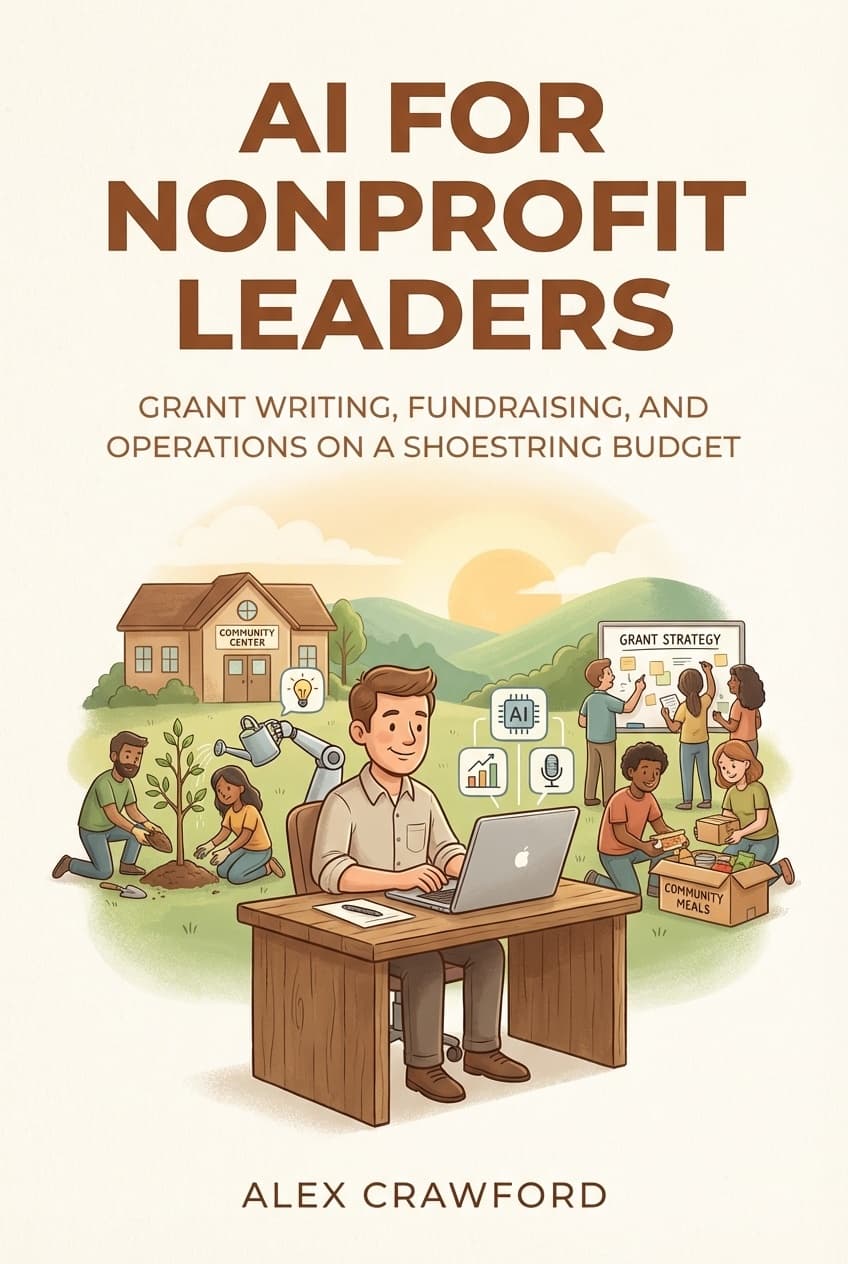
For a complete nonprofit marketing playbook — including donor communications, annual campaign strategies, volunteer management, and every AI workflow a resource-strapped team needs — check out AI for Nonprofit Leaders: Grant Writing, Fundraising, and Operations on a Shoestring Budget.