What Is Vibe Coding? A Non-Technical Guide for Business Owners
You do not need to learn to code
There is a new way to build software and it does not require you to learn Python, JavaScript, or any programming language. It is called vibe coding, and it is changing what is possible for small business owners who need custom tools but cannot afford a developer.
The term comes from a simple idea: instead of writing code line by line, you describe the vibe of what you want. You tell an AI what to build in plain English. The AI writes the code. You test it, give feedback, and iterate until it works.
That is it. No bootcamp. No technical co-founder. No six-figure development budget.
How vibe coding actually works
You open an AI coding tool like Cursor, Replit, or Bolt. You type something like "build me a web form that collects customer name, email, and project type, then sends me an email notification." The AI generates the code. You click run. It works or it does not. If it does not, you describe the problem and the AI fixes it.
The back-and-forth is the process. You are not writing code. You are directing the AI like you would direct an employee. Be clear about what you want, review the output, and give feedback.
Most vibe coding sessions look like a conversation. You start with a description, the AI builds a first version, you say what is wrong or what is missing, and the AI updates it. Each cycle takes minutes, not days.
How it differs from traditional coding
Traditional software development requires learning a programming language, understanding frameworks, managing servers, and debugging complex errors. A simple web application can take a professional developer days or weeks to build.
Vibe coding collapses that timeline dramatically. A business owner with no technical background can build a functional tool in an afternoon. The AI handles the syntax, the structure, and most of the debugging.
That said, vibe coding has limits. It works best for straightforward tools: forms, dashboards, calculators, simple automations, internal apps. If you need a complex enterprise system with thousands of users, you still need professional developers.
But most small businesses do not need enterprise systems. They need a quote calculator on their website or a dashboard that pulls data from three spreadsheets. Vibe coding handles that.
How it differs from no-code platforms
No-code tools like Wix, Squarespace, and Zapier give you pre-built components you snap together. They are powerful but limited to what the platform supports. If you need something outside their templates, you are stuck.
Vibe coding gives you the flexibility of custom code without needing to write it. You are not limited to a drag-and-drop menu. If you can describe it, the AI can probably build it.
The tradeoff is that no-code tools are more polished out of the box. A Squarespace website looks professional immediately. A vibe-coded tool might need design work. The right choice depends on what you are building.
What you can actually build
Here are real things small business owners have built with vibe coding.
A contractor built a project quote calculator that takes job details and spits out an estimate based on his pricing rules. A real estate agent built a client intake form that automatically sorts leads by budget and timeline. A restaurant owner built an internal tool that tracks daily food costs against revenue targets.
None of these people had technical backgrounds. They described what they wanted, worked with AI to build it, and had a working tool in hours rather than weeks.
What you need to get started
You need an AI coding tool. Replit, Cursor, and Bolt are popular options with free tiers or low-cost plans. You need a clear idea of what you want to build. Start small. Pick one pain point in your business that a simple tool could solve.
You need patience for the iteration process. The first version will not be perfect. That is normal. The third or fourth version usually is.
And you need the willingness to experiment. Vibe coding rewards people who try things, see what happens, and adjust. If that sounds like how you already run your business, you will pick this up fast.
Go deeper
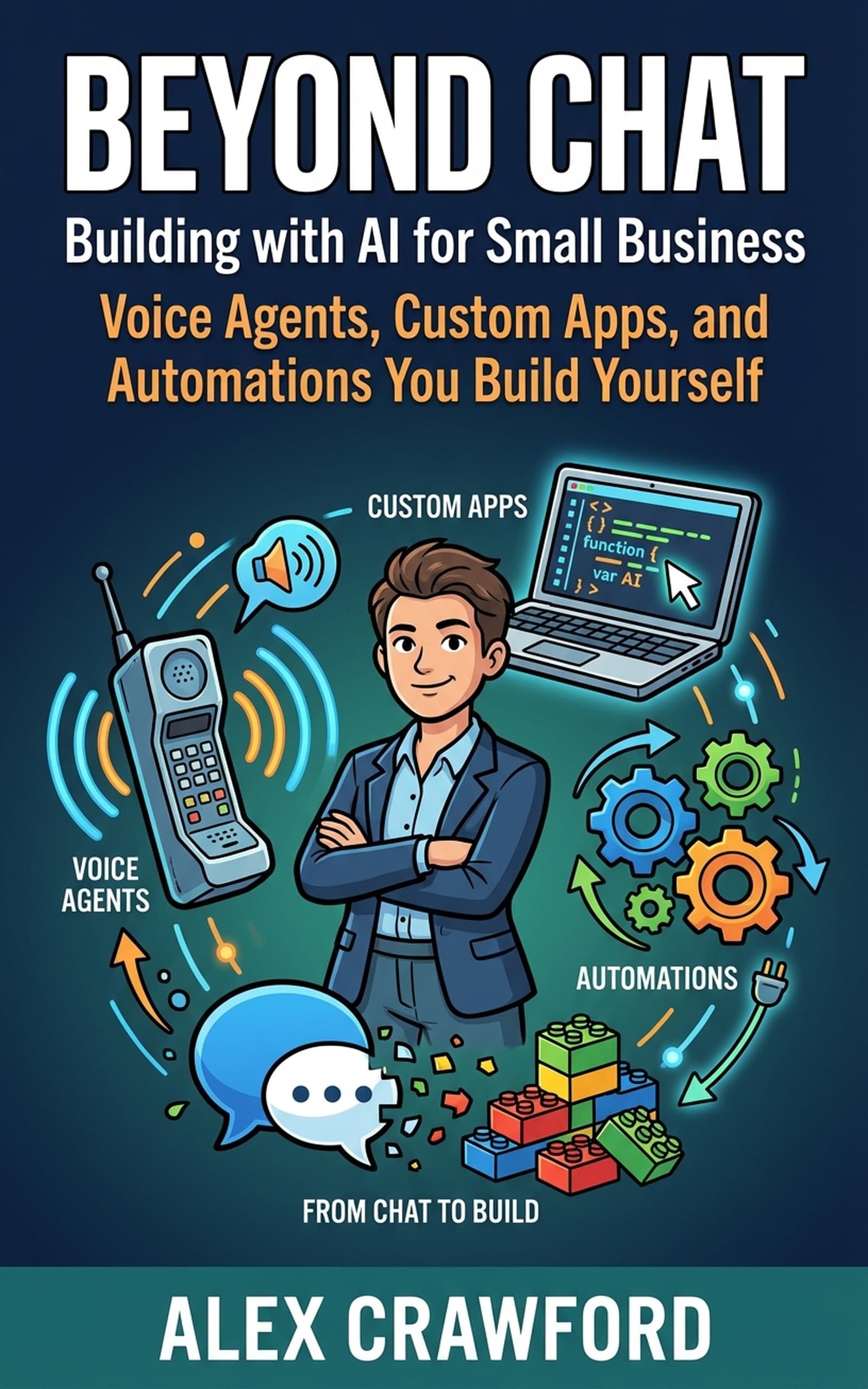
For step-by-step vibe coding tutorials, tool recommendations, and real project walkthroughs built specifically for non-technical business owners, check out Beyond Chat: Building with AI for Small Business. It takes you from first prompt to finished product.