4 books · 5 practical guides
Vibe Coding by Industry: Build Useful Tools with AI
A practical introduction to AI-assisted application building for finance, education, real estate, and e-commerce professionals.
Vibe coding is most useful when a subject-matter expert can describe a real workflow, test the result, and recognize the edge cases. The advantage is not skipping engineering discipline; it is shortening the distance between the person who understands the work and a usable prototype.
Good first projects are narrow calculators, report builders, checklists, and internal portals. Authentication, payment data, student records, and production integrations raise the stakes and require stronger architecture, privacy review, testing, and often professional engineering support.
The four industry books share a common build process while addressing different constraints. Use the free chapters to compare the patterns before choosing an industry path.
Practical framework
From workflow problem to maintainable prototype
- 1
Write the job story
Name the user, the situation, the input they have, the decision they need, and the output that would make the work easier.
- 2
Cut the first version down
Build one happy path with sample or non-sensitive data. Postpone accounts, integrations, dashboards, and automation until the core result works.
- 3
Make acceptance tests concrete
Provide examples of correct outputs, invalid inputs, boundary cases, and wording that must never appear. Test behavior rather than visual polish alone.
- 4
Add the safety boundary
Define permissions, data handling, audit needs, failure behavior, and the human decision that the tool cannot make on its own.
- 5
Document ownership
Record how to run, test, update, and retire the tool. A prototype becomes operational software only when someone can maintain it after the chat ends.
Books and free chapters
Go deeper with the collection
Every book page includes a complete opening chapter. Read the sample first, compare the approaches, and choose only the guide that fits your work.
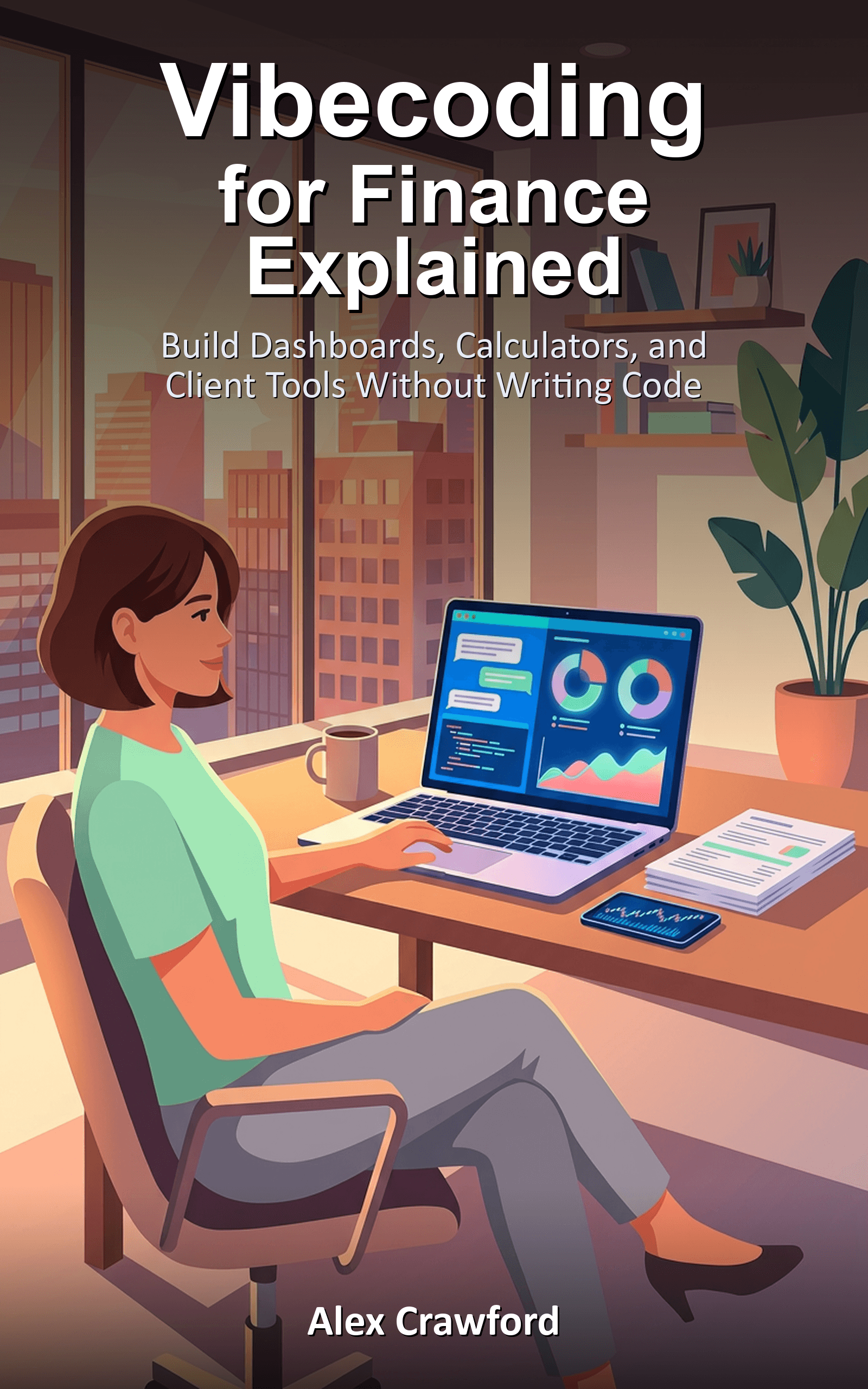
Vibecoding for Finance Explained
Build Dashboards, Calculators, and Client Tools Without Writing Code
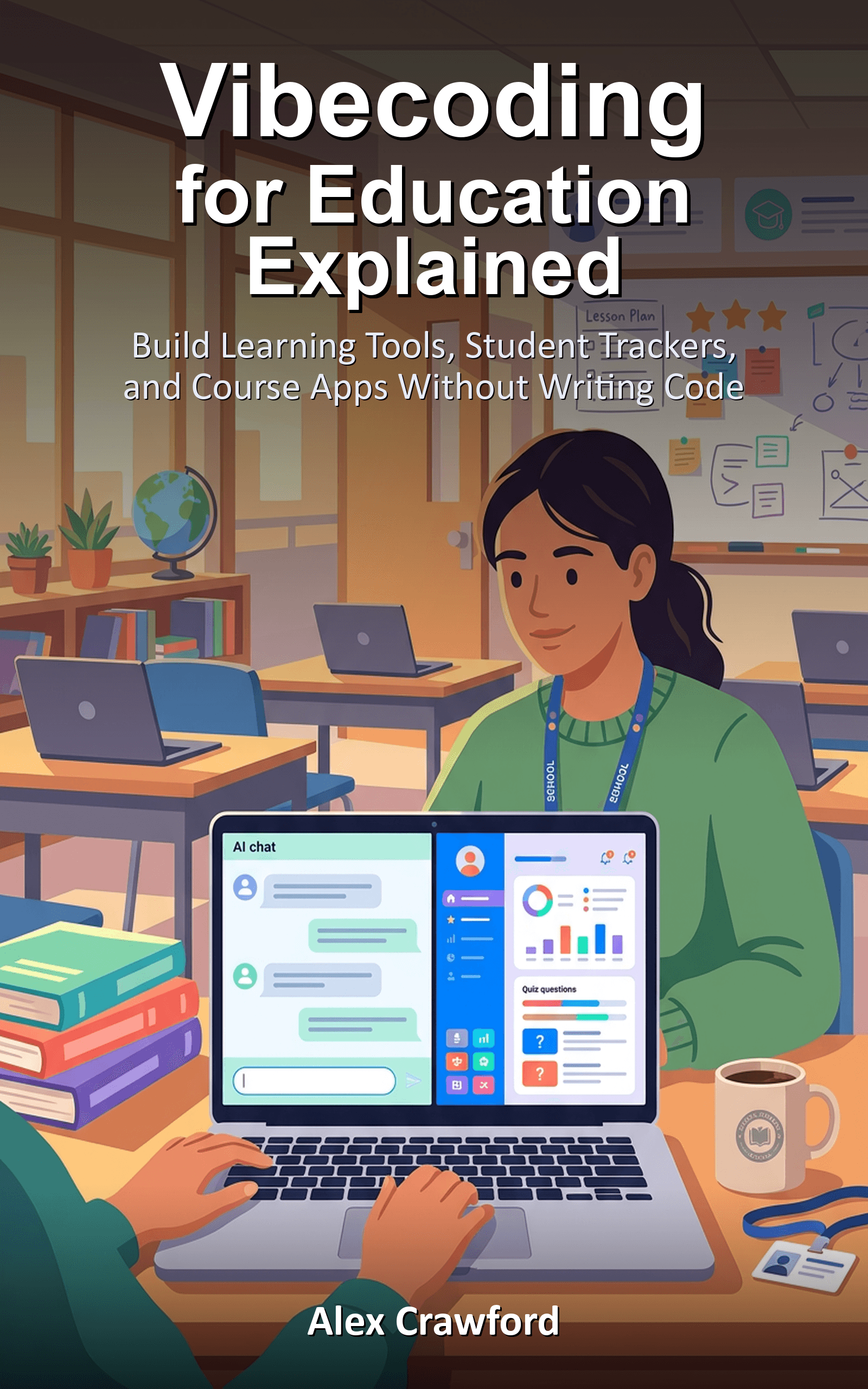
Vibecoding for Education Explained
Build Learning Tools, Student Trackers, and Course Apps Without Writing Code

Vibecoding for Real Estate Explained
Build Listing Sites, CRM Tools, and Market Dashboards Without Writing Code
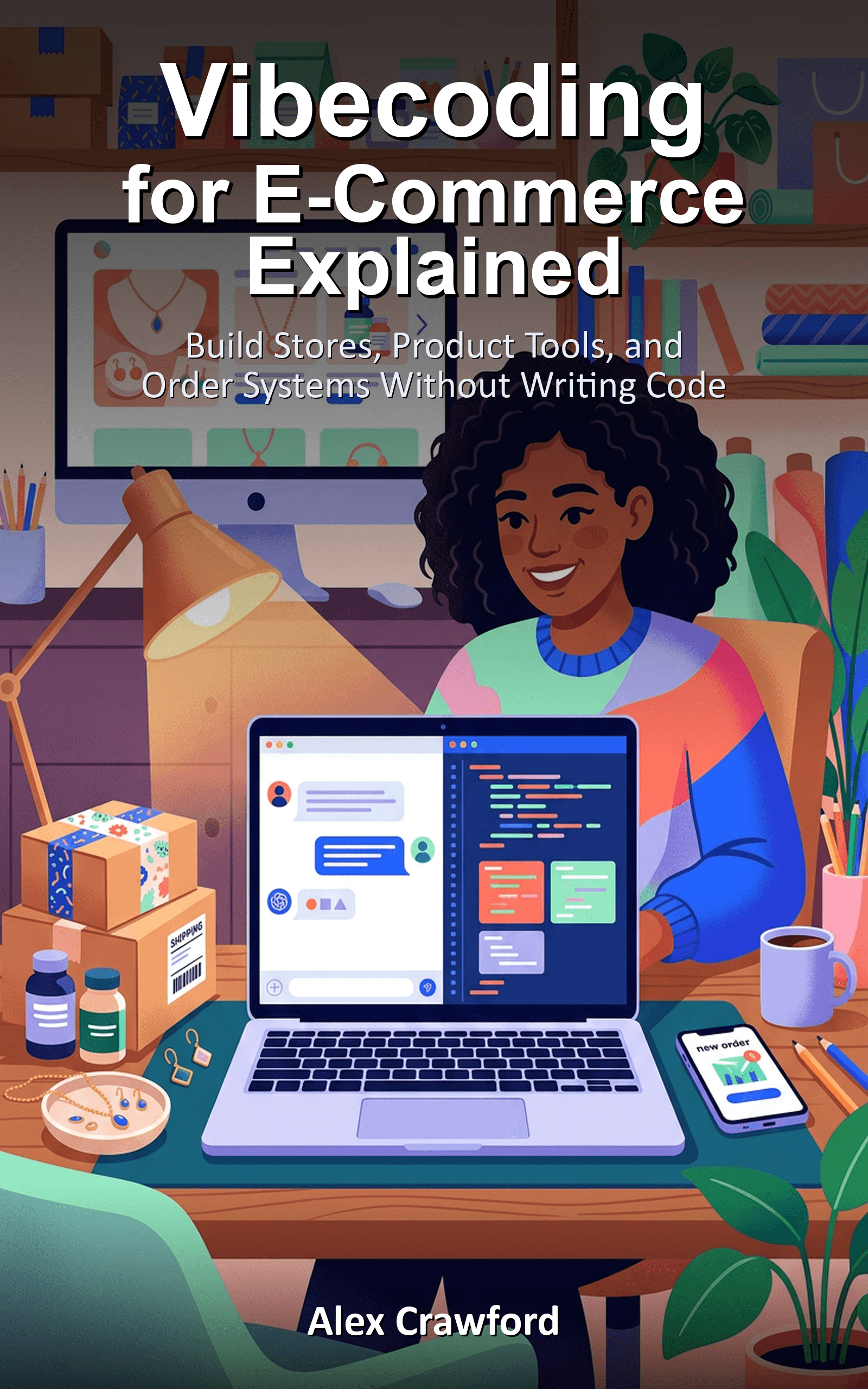
Vibecoding for E-Commerce Explained
Build Stores, Product Tools, and Order Systems Without Writing Code
Free practical reading
Start with a specific workflow
These articles turn the collection's core ideas into bounded tasks you can evaluate before buying a tool or changing a process.
What Is Vibe Coding? A Non-Technical Guide for Business Owners
Vibe coding lets you build real software by describing what you want in plain English instead of writing code yourself.
How to Build Your First AI-Powered App Without Writing Code
You don't need to be a developer to build real apps with AI. Here's how small business owners are using AI coding tools to ship customer-facing apps in days, not months.
From Idea to Launch: Shipping Your First AI App in a Weekend
The complete journey of taking a business problem, scoping it down, building a minimal app with AI coding tools, and deploying it — all in one weekend.
How to Build a Customer Portal Without Writing Code
Your clients expect self-service. AI coding tools let you build a customer portal — intake forms, status tracking, FAQs — in a weekend, without hiring a developer.
5 Real Tools Small Business Owners Built with AI This Year
Five small business owners built custom tools with AI that solved real problems, and none of them had a technical background.
Common questions
Before you start
Is vibe coding the same as no-code?
They overlap, but vibe coding usually means describing and iterating on software with an AI coding assistant. The result may still be conventional code that needs hosting, testing, security work, and maintenance.
What should I build first?
Choose a tool for a process you personally understand, used by a small known group, with non-sensitive test data and an output you can verify manually.
When should I involve a developer?
Bring in experienced help before handling regulated or sensitive data, payments, identity, public multi-user access, complex integrations, or any workflow whose failure can materially harm a person or business.